

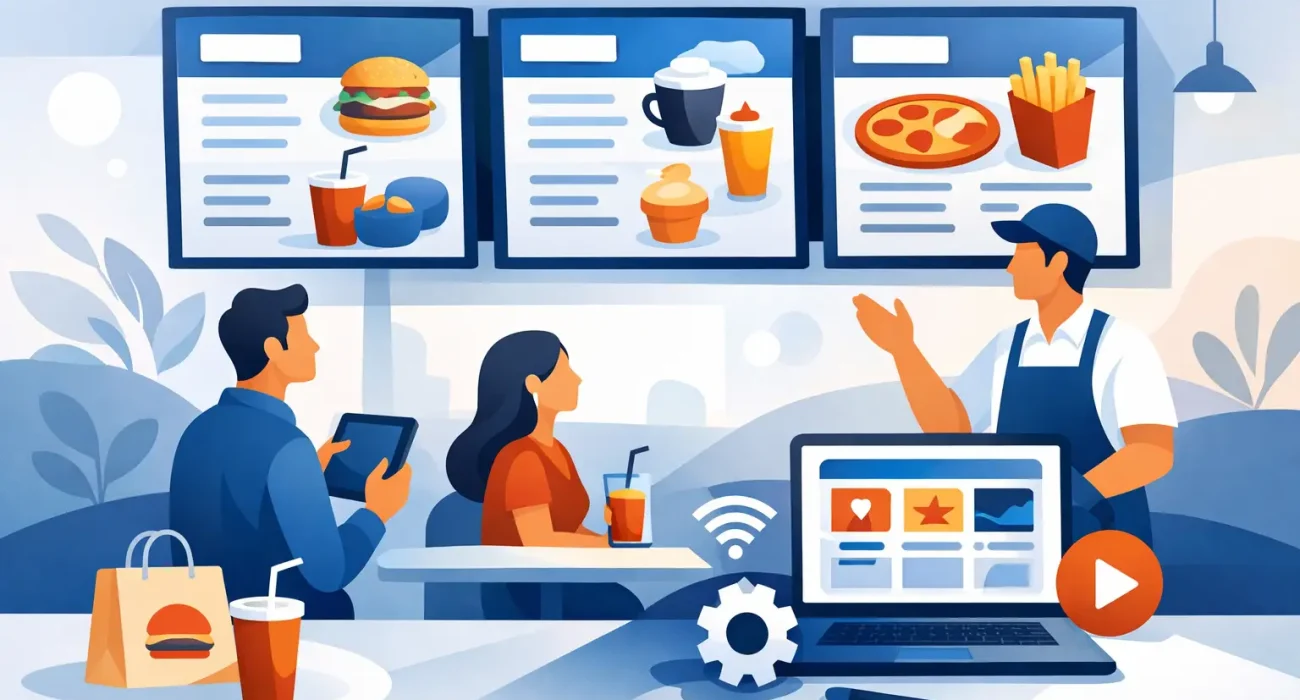
A menu board has only a few seconds to do its job. If customers cannot quickly spot a category, understand a price, or see the item you want to promote, the queue slows down and staff end up answering basic questions. Knowing how to set up digital menu boards means building a sales and operations tool, not simply mounting screens above a counter.
For restaurants, cafes, bakeries, and quick-service outlets, the right setup can make ordering clearer, promote high-margin items, and give managers control over menu updates. The wrong setup can create glare, clutter, technical interruptions, and a costly display that customers ignore. A practical plan from the start protects your investment.
Start With the Customer Journey
Before selecting a screen or software platform, look at what happens from the moment a customer enters your location. Where do they stand while deciding? How far away are they from the counter? Do they order from one line, several counters, or a self-service station? These answers determine the number, size, and position of your screens.
A small coffee shop may need one main screen for core drinks and food, plus a smaller screen near the register for add-ons. A busy restaurant with separate pickup, dine-in, and delivery areas may need multiple displays with different messages. Trying to show every item on every screen often creates confusion rather than convenience.
Decide what each display is expected to achieve. A primary menu board should help customers choose. A promotional display can feature a limited-time offer, combo meal, or seasonal item. A pickup screen should reduce crowding by clearly showing order status. Separating these jobs keeps content focused.
Choose Commercial-Ready Hardware
Consumer televisions may look like an affordable option, but they are not always designed for long daily operating hours, heat, bright environments, or remote management. For a business that relies on the board during service, commercial-grade displays are generally the safer choice.
Screen size depends on viewing distance and menu complexity. Customers standing close to the counter can read smaller displays, while a queue that begins several feet away needs larger screens and bigger text. In most cases, it is better to use fewer items in a readable layout than to shrink the entire menu to fit one screen.
Brightness matters as much as size. Displays placed near windows or exposed to strong lighting need enough brightness to remain readable throughout the day. Visit the location at different times before finalizing placement. A board that looks excellent in the evening may be difficult to read at lunchtime.
You will also need a reliable media player or built-in signage system, stable internet access, appropriate wall mounts, power access, and clean cable management. Do not treat installation as an afterthought. Screens should be securely mounted, level, easy to service, and positioned where staff cannot accidentally block the view.
Build a Menu Layout for Fast Decisions
Digital boards can show motion, color, and rotating promotions, but the fundamentals of menu design still apply. Customers need hierarchy. Put your most important categories and best-selling items where the eye naturally lands first. Use clear section labels, short item names, and prices that are easy to scan.
Keep descriptions useful but brief. A long paragraph about ingredients may work on a website or QR code menu, but it rarely works above a busy service counter. If dietary details, allergens, or customization options require more space, provide them through a printed reference, staff support, or a QR menu rather than crowding the main board.
Use high-quality food photography selectively. One strong image can increase interest in a signature meal or premium combo. Too many images compete with prices and product names. The goal is to help customers decide, not to turn the display into an advertisement with no clear ordering path.
Color should match your brand while protecting readability. High contrast between the background and text is essential. Avoid placing light text over detailed photos, and do not rely on color alone to communicate information such as spicy items or special offers. Customers should understand the menu even from a quick glance.
Connect Pricing, Inventory, and Promotions
The biggest operational advantage of digital menu boards is the ability to update content without reprinting materials. That benefit only delivers value when the update process is controlled. Prices, availability, product names, and promotions need one clear owner and an approval process before changes go live.
If possible, connect your menu board workflow with your restaurant POS system. This reduces the risk of showing an item that is unavailable or displaying a price that does not match the register. Full integration is not necessary for every business, but growing operations should consider it carefully. Manual updates may be manageable for a simple menu, while a multi-location business with frequent changes needs a more connected setup.
Schedule content around real trading patterns. Breakfast menus should not remain on screen during dinner service. Promotions can run during slower periods, and high-margin add-ons can appear near peak ordering times. Make sure the offer shown on the screen can be delivered by the kitchen and recognized by the cashier. A promotion that staff do not understand creates friction at the point of sale.
Set Up Digital Menu Boards With the Right Software
Digital signage software is the control center for your screens. It should allow authorized staff to update content remotely, schedule playlists, group screens by location or purpose, and confirm that every display is online. These functions matter most when a manager needs to change a price, remove an out-of-stock item, or launch a same-day campaign without visiting every screen.
Choose a system that fits your operation rather than paying for features you will not use. A single independent cafe may only need easy scheduling and simple templates. A restaurant group may need user permissions, centralized brand controls, multiple locations, and POS or inventory integration.
Reliability should carry more weight than visual effects. Ask how the platform handles an internet interruption, whether content continues playing offline, how software updates are managed, and what support is available if a screen goes blank during service. A local technology partner can be particularly valuable when on-site response and staff training are part of the requirement.
Install, Test, and Train Before Launch
Installation day should include more than turning on the screens. Test the display from the customer’s position, not just from directly below it. Check text size, glare, color accuracy, animation speed, pricing, and the time each menu variation appears. Ask staff to place test orders using the displayed information. If they hesitate, customers will too.
Create a simple operating routine. Managers should know who can edit content, where approved menu assets are stored, how to publish changes, and how to report a hardware issue. Give staff a clear process for handling a mismatch between the board and the POS. Small errors become expensive when they are repeated across hundreds of orders.
Keep a backup plan for power, network, or device failures. This may be a printable emergency menu, a QR code menu, or a saved static screen that can remain visible without a live connection. The best backup is one customers can understand without waiting for an explanation.
Measure What the Boards Change
A digital menu board should be reviewed like any other business investment. Compare sales of featured items before and after a promotion. Watch average order value, add-on sales, ordering time, customer questions, and product waste. Staff feedback is useful too, especially if the layout makes it easier to guide customers through the menu.
Do not change everything at once. Test one promotion, layout adjustment, or product image at a time so you can identify what influenced the result. If a high-margin combo receives attention but does not convert, the issue may be the price, placement, or offer itself rather than the screen.
For businesses that need help aligning displays with POS workflows, brand design, and day-to-day support, SDQ Tek can help shape a setup around operational needs rather than a one-size-fits-all screen package.
A well-managed digital menu board earns its place by making the next customer decision easier. Keep the message clear, keep the information accurate, and let each screen support the way your team actually serves people.