

A lunch rush will expose weak hardware faster than any demo ever will. A printer that jams, a terminal that lags, or a handheld that drops connection can slow service, frustrate staff, and affect revenue within minutes. That is why understanding how to choose restaurant POS hardware matters just as much as choosing the software itself.
For restaurant owners and operators, the right hardware decision is not about buying the most expensive setup or the newest-looking device. It is about matching equipment to your service style, floor layout, order volume, and support needs. Good hardware should help your team move faster, reduce mistakes, and hold up under daily pressure.
Start with your restaurant model
The first step in how to choose restaurant POS hardware is to look at how your business actually operates. A quick-service restaurant, a full-service dining concept, a cafe, and a cloud kitchen all need different setups. If you start by comparing devices instead of workflows, you can end up paying for hardware that adds little value or misses a key operational need.
A counter-service restaurant usually needs speed at the front. That often means a fixed terminal, a cash drawer, a receipt printer, and a customer-facing display. If online orders and pickups are a major part of the business, a kitchen printer or kitchen display system becomes equally important.
A full-service restaurant usually needs more flexibility. Servers may benefit from handheld ordering devices, tableside payment hardware, and a network setup that stays stable across the entire dining area. In that environment, mobility matters as much as processing speed.
If your operation includes delivery, curbside pickup, or multiple order channels, hardware decisions become more connected to workflow control. You need devices that keep in-store, online, and third-party orders moving through the same system without confusion at the pass or register.
Focus on the hardware that affects service most
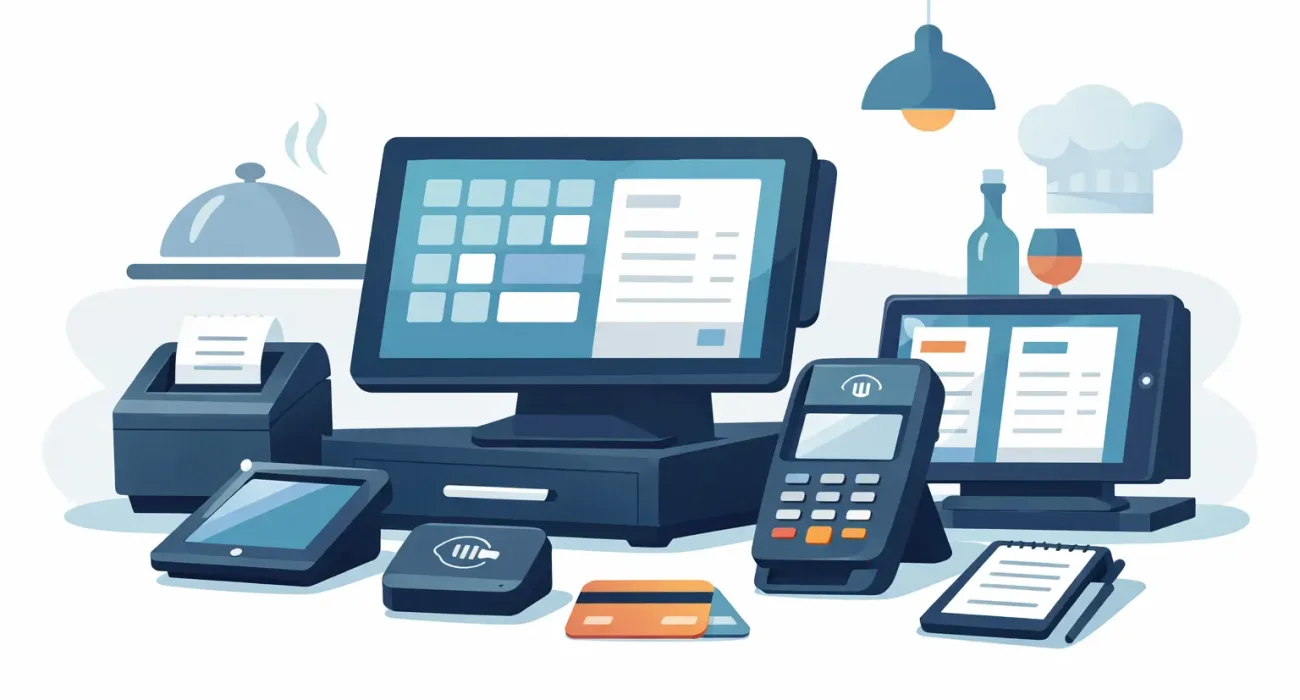
Restaurant POS hardware is not one item. It is a working set of tools. The best setup depends on selecting the pieces that directly support your busiest tasks.
POS terminal or touchscreen
This is the main workstation for many restaurants. It should be fast, easy to read, and durable enough for a commercial environment. Screen size matters, but layout and responsiveness matter more. Staff should be able to move through orders quickly without extra taps or slow loading times.
Some restaurants prefer all-in-one terminals because they save space and look clean at the counter. Others prefer separate components because they can replace one part without changing the whole station. The right choice depends on budget, available space, and how often you expect the setup to evolve.
Handheld devices
Handhelds can improve table turns and reduce order errors, especially in full-service settings. They allow staff to send orders directly to the kitchen and often support payment at the table. But they only work well if the battery life is dependable, the devices are comfortable to carry, and your Wi-Fi coverage is strong throughout the venue.
If your team is not likely to use handhelds consistently, they can become expensive backups sitting on a charger. This is a good example of where more hardware is not always better.
Kitchen printers or kitchen display systems
The kitchen is where weak hardware often creates the biggest bottleneck. Printed tickets are still useful in many operations because they are simple and familiar. In hotter or busier environments, though, kitchen display screens can improve visibility and cut down on paper waste.
The decision depends on your kitchen process. A small kitchen with a simple menu may run well on printers. A larger operation with multiple prep stations may benefit more from digital displays that organize and route tickets clearly.
Receipt printers and cash drawers
Even restaurants that push digital payments often still need printed receipts and secure cash handling. If cash is a regular part of your daily transactions, your drawer should integrate cleanly with the POS and handle frequent opening without mechanical issues.
For receipt printers, speed and reliability matter more than small price differences. During peak hours, delays at the printer can create an avoidable line at the register.
Payment devices
Payment hardware deserves careful attention because it affects customer trust as well as checkout speed. Card readers, contactless payment terminals, and tableside payment devices should be secure, easy to use, and compatible with your processor and POS software.
This is one area where compatibility mistakes can become expensive. Before purchasing, confirm that the hardware is approved to work with your software, payment setup, and local compliance requirements.
Think about durability, not just price
A restaurant is a demanding environment. Heat, grease, spills, constant tapping, and long operating hours can wear out consumer-grade devices quickly. One of the most common mistakes in how to choose restaurant POS hardware is treating it like standard office equipment.
Commercial-grade hardware usually costs more upfront, but it tends to last longer and create fewer service interruptions. That trade-off is often worth it. A cheaper tablet may look like a smart saving on day one, but if it fails during service or needs repeated replacement, the total cost climbs fast.
This does not mean every component needs to be top-tier. It means your most used devices should be selected for reliability first. Front-counter terminals, kitchen hardware, and payment devices are rarely the right place to cut corners.
Make compatibility a non-negotiable
Hardware should fit your software, not fight it. That sounds obvious, but many businesses still end up with a mix of devices that require workarounds, added adapters, or limited functionality. Compatibility issues often show up after installation, when fixing them is harder and more expensive.
Before buying, confirm whether the hardware is officially supported by your POS platform. Ask practical questions. Will printers auto-route orders correctly? Will the cash drawer trigger properly? Will handhelds sync in real time? Will your payment device support the transaction methods your customers actually use?
If your business also relies on inventory tracking, online ordering, QR menus, loyalty features, or reporting across multiple locations, hardware choices should support those workflows as well. A dependable setup is not just about getting orders into the system. It is about keeping the whole operation connected.
Consider your layout and connectivity
Hardware performance depends heavily on physical layout. A strong POS setup in one restaurant can perform poorly in another because of walls, kitchen separation, outdoor seating, or poor router placement.
If you are using fixed terminals, think about where queues form and where staff need visibility. If you are using handheld devices, test network coverage in every area where orders and payments happen. If your kitchen is separate from the front counter, make sure your printers or display stations can handle that distance without dropped connections.
This is especially relevant for operators in fast-growing markets where a restaurant may expand seating, add delivery counters, or reconfigure service areas later. Hardware should fit today’s layout, but it should also leave room for change.
Plan for support and replacement
When hardware fails, the real issue is not the device. It is the downtime. That is why support should be part of the buying decision, not an afterthought.
Ask who handles installation, troubleshooting, warranty claims, and replacement. If a printer stops working on a busy weekend, how quickly can it be addressed? If a terminal fails, do you have a backup plan? Reliable support matters even more than attractive specs on paper.
This is where working with a local technology partner can make a practical difference. A provider that understands your market, operating environment, and service expectations can help you avoid delays and choose hardware that fits the realities of your business. For many restaurants, that guidance is just as valuable as the equipment itself.
Buy for the next stage of growth
A restaurant owner should not have to replace an entire POS setup just because the business adds a second terminal, opens a new branch, or introduces tableside ordering. Scalability matters.
As you evaluate options, look at how easy it is to add stations, devices, or locations later. A smaller setup may be right for now, but the system should not box you in. The best hardware choices support operational stability today while giving you room to grow without major disruption.
How to choose restaurant POS hardware without overbuying
There is a balance between being prepared and overspending. The smartest approach is to invest where hardware directly improves speed, accuracy, and reliability. Not every restaurant needs handhelds, dual screens, and a fully digital kitchen from day one. But every restaurant does need equipment that can handle daily service without becoming a constant problem.
If you are unsure where to start, begin with your busiest service period. Look at where delays happen, where errors occur, and where staff lose time. Those pain points usually point to the hardware that deserves priority.
For restaurant operators who want dependable implementation, local support, and a setup tailored to the business instead of forced from a catalog, SDQ Tek takes that practical approach seriously. The right POS hardware should feel like part of a better operation, not another system your team has to work around.
Choose hardware that helps your staff stay focused on service, because customers may never notice great POS hardware, but they will absolutely notice when it fails.