

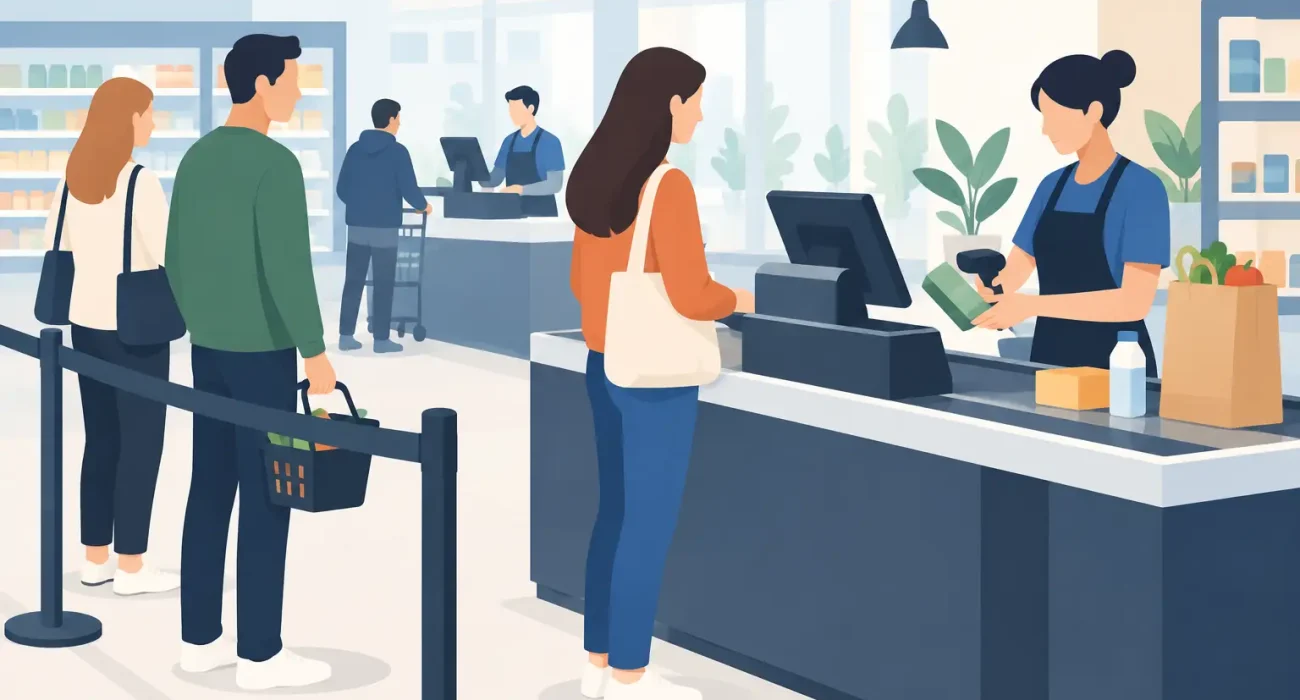
A customer who has already chosen an item should not have to reconsider the purchase while waiting to pay. Long lines, slow terminals, price checks, and confused handoffs at the counter can turn a positive shopping experience into a lost sale. Knowing how to improve retail checkout helps retailers protect revenue, increase repeat visits, and give staff more control during busy periods.
Checkout is not only the final step of a sale. It is where inventory, pricing, staff processes, payment technology, and customer service all meet. The best improvements are practical: remove avoidable delays, give employees clear workflows, and choose a POS setup that supports the way your store actually operates.
Start by Finding What Slows Checkout Down
Retailers often assume the payment terminal is the problem. Sometimes it is, but delays frequently begin earlier. An item may not scan correctly, a price may be unclear, a discount may require manager approval, or an employee may need to leave the register to check stock.
Watch several checkout periods, including your busiest hour, and record what causes each delay. Look at the time from when a customer reaches the counter to when they receive their receipt. More importantly, identify the reason behind the wait.
Common causes include outdated POS hardware, inconsistent product barcodes, manually entered prices, limited payment options, slow internet connectivity, and staff who have not been trained on returns or promotions. A short observation period can reveal whether one issue is responsible for most of the line or whether several small issues are adding up.
Use a POS System Built for Your Store
A retail POS system should make routine transactions faster, not add extra screens and manual work. The right setup lets staff scan products quickly, apply approved discounts, process returns, accept multiple payment methods, and access accurate inventory from one place.
For many retailers, the most valuable POS features are not the most complex ones. Fast barcode scanning, product search, customer-facing payment displays, receipt options, and clear cashier permissions can make an immediate difference. Inventory integration also matters. When stock levels and product details are accurate at checkout, employees do not need to guess or call another team member for help.
The right system depends on the store. A fashion retailer may need size and color variants to appear clearly on screen. A grocery or convenience store may need rapid scanning, weighted items, and quick promotions. A business selling higher-value goods may need customer records, installment options, or detailed return controls. Buying more technology than the operation can support creates frustration, so the goal is a tailored system with dependable local implementation and support.
Make Payment Easy, Not Limited
Customers expect to pay the way that is convenient for them. Card payments, contactless transactions, mobile wallets, cash, gift cards, and split payments may all be relevant depending on your customer base. If staff must explain payment limitations at the counter, the checkout process has already become harder than it needs to be.
Contactless payment is particularly useful when transaction volume is high. It reduces handling time and keeps the line moving, especially for smaller purchases. However, speed should not come at the expense of reliability. A payment terminal that disconnects frequently or takes too long to authorize a transaction will create more problems than it solves.
Test payment performance during peak traffic, not only during quiet hours. Your internet connection, POS terminal configuration, and backup procedures should all be considered. If connectivity fails, staff need a clear process for managing the situation without leaving customers uncertain at the counter.
Improve Retail Checkout With Better Store Layout
The checkout counter should support movement, not create congestion. When customers cannot tell where a line begins, where to stand, or which register is open, staff spend time directing traffic instead of completing sales.
Use visible signage to define the queue and keep high-demand items away from the counter if browsing customers block the payment area. Place bags, receipt paper, common supplies, and return forms within easy reach of the cashier. A staff member should not need to turn away from the customer or search through drawers for basic materials during every transaction.
Consider whether one traditional counter is enough for your busiest periods. A second fixed register, a mobile POS device, or a dedicated returns station can be worthwhile when queues regularly build up. The best choice depends on floor space and transaction patterns. Mobile checkout can reduce lines in a specialty store, while a high-volume retailer may benefit more from a clearly organized bank of fixed registers.
Separate Simple Sales From Time-Consuming Tasks
Not every customer needs the same amount of service. A customer buying one item should not wait behind a complicated return, a price dispute, or a large order that requires packaging and verification.
When volume justifies it, create a separate process for returns, exchanges, special orders, and customer account questions. This does not always require an additional counter. During busy periods, a trained floor employee can handle the issue away from the main line while the cashier continues processing straightforward purchases.
This approach needs clear boundaries. Staff should know which issues they can solve immediately and which require a supervisor. Giving every exception to a manager may protect control, but it can also create a bottleneck. Set approval rules that balance speed with proper oversight.
Train Staff for Speed and Confidence
The fastest POS system cannot compensate for uncertain staff. Employees need practical training that reflects real customer situations, not only a basic walkthrough during onboarding.
Train cashiers to scan and search for products, process discounts, handle different payment types, issue refunds, manage exchanges, and respond to common errors. They should also understand what to do when a barcode will not scan, a terminal declines a payment, or a customer questions a price.
Confidence improves customer experience. A cashier who knows the next step can speak clearly, keep the transaction moving, and avoid escalating routine issues. Training should also cover customer interaction: acknowledge people in line, explain a brief delay when one occurs, and ask for support early rather than struggling with a problem in front of a growing queue.
Short refresher sessions are often more effective than one long training day. Review new promotions, changes in POS functions, frequent errors, and seasonal procedures before they affect service. During peak periods, assign roles intentionally. One person may focus on transactions while another bags items, answers quick product questions, or manages the line.
Keep Product, Price, and Promotion Data Accurate
Many checkout delays originate before a customer reaches the register. If product data is incomplete or pricing updates are entered late, the cashier becomes the person responsible for fixing the problem.
Maintain accurate barcodes, product names, prices, tax settings, and promotion dates in your POS system. Before launching a sale, test a selection of items at the register. Check that discounts apply correctly, excluded products are clearly marked, and staff know the promotion rules.
Price accuracy has a direct effect on trust. A customer may accept a short wait for a technical issue, but repeated price discrepancies make a business look disorganized. Clear shelf labels and synchronized POS data reduce disputes while protecting margins.
Inventory accuracy is equally valuable. When an item is out of stock, staff should be able to confirm that quickly and, where appropriate, offer an alternative or capture the customer’s details for follow-up. Guessing wastes time and weakens confidence.
Measure Checkout Performance and Act on the Results
Retail checkout improvement should be measured, not based only on complaints. Your POS reports can help identify average transaction time, sales by hour, voids, refunds, discount usage, and the number of transactions each register processes.
Review these figures alongside observations from the sales floor. If transaction time rises every evening, the cause might be staffing levels, a specific payment method, or a promotion that requires too many manual steps. If returns are high, investigate whether product information, sizing guidance, or staff recommendations need attention.
Avoid treating speed as the only measure of success. Rushing customers through a complex purchase can reduce service quality and create mistakes. The goal is an efficient checkout that still feels attentive, accurate, and professional.
For retailers that need a more connected setup, SDQ Tek can help assess checkout workflows, implement retail POS solutions, and provide responsive support tailored to day-to-day operations. The most effective technology is technology that employees can use confidently when the store is busy.
A better checkout experience is built through small operational decisions that customers notice immediately: the price is right, the payment works, the employee is prepared, and the line keeps moving. Start with the delay your team sees most often, fix it properly, and let each improvement create a calmer, more reliable store experience.