

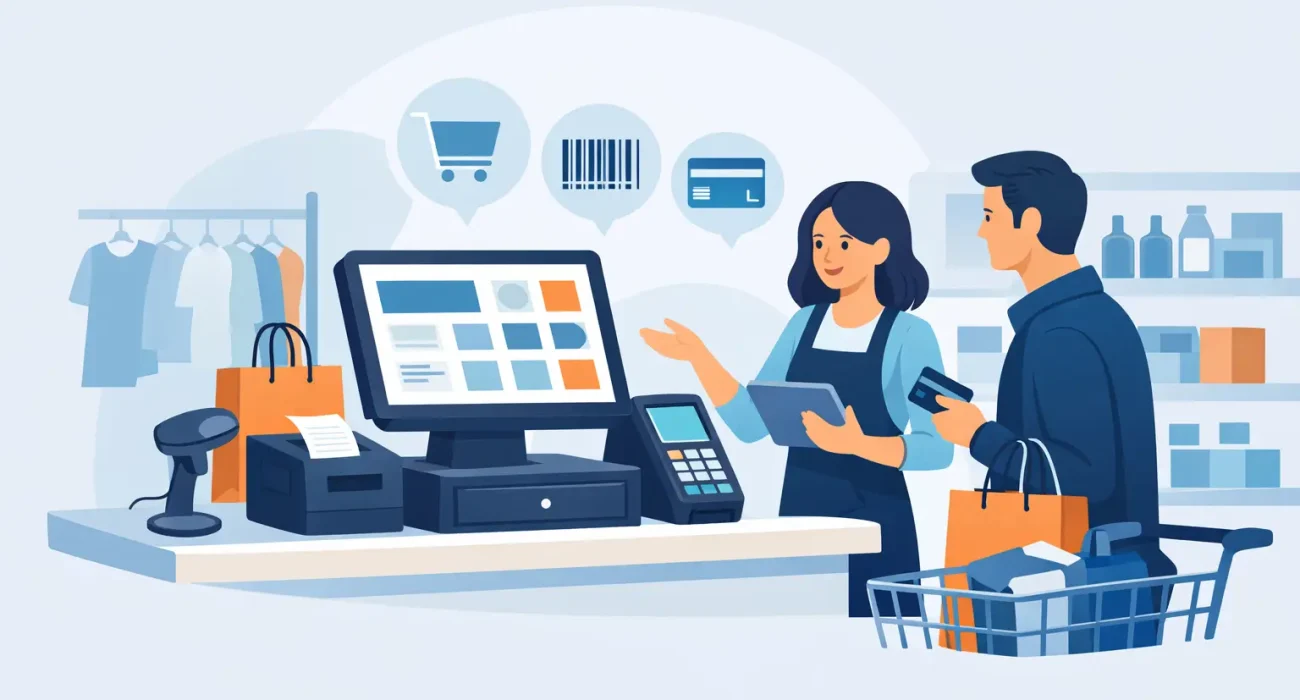
A busy checkout counter reveals whether a store’s systems are helping or holding it back. When prices are wrong, stock counts do not match the shelves, or staff need to calculate discounts manually, small delays become lost sales and frustrated customers. The right retail POS system gives owners a clearer view of daily operations while making every transaction faster and easier to manage.
For retailers in Qatar, the decision is not only about selecting software with a long feature list. It is about choosing a practical solution that fits the way your store sells, the products you carry, the number of locations you operate, and the support you can rely on when business is moving quickly.
What a Retail POS System Should Do for Your Business
A point-of-sale system is the operational center of a retail store. It processes sales, accepts payments, applies taxes and discounts, prints or sends receipts, and records each transaction. But a capable retail POS system should go further than the checkout screen.
It should connect sales activity to inventory, customer information, staff access, and business reporting. This gives a store owner answers that matter: Which products are selling? Which items are sitting too long? Which hours need more staff? Which promotions are producing real revenue rather than simply reducing margins?
Without this connection, teams often rely on spreadsheets, manual stock checks, and end-of-day calculations. Those methods can work for a very small operation, but they become difficult to control as product ranges expand or customer traffic increases. A POS system reduces repetitive work and makes the business easier to monitor.
The value is not just speed at checkout. It is better decision-making based on accurate, current information.
The Features That Matter Most
Every retailer has different needs, but a few functions should be treated as core requirements rather than optional extras.
Fast, flexible checkout
Checkout must be simple for employees and convenient for customers. Staff should be able to scan barcodes, search products quickly, handle returns, apply approved discounts, and accept the payment methods your customers use. If your business sells by weight, in multiple units, or through product variations such as size and color, the system needs to handle those details without workarounds.
A slow or confusing checkout process affects more than the queue. It increases cashier mistakes and makes staff training harder. The best setup is one that new employees can learn quickly while still giving managers the controls they need.
Inventory management that reflects reality
Retail inventory is cash sitting on shelves. When stock data is inaccurate, owners may reorder products they already have, run out of popular items, or overlook slow-moving inventory that needs attention.
Your POS should update stock as items are sold, returned, exchanged, or received. It should also support stock counts, low-stock alerts, product categorization, supplier details, and purchase tracking where needed. For a retailer with more than one branch, inventory visibility across locations becomes even more valuable.
However, software cannot correct poor processes by itself. Product data must be entered correctly, barcodes need to be maintained, and staff should follow a consistent process for receiving and counting stock. The system provides control, but the business still needs discipline around it.
Reporting that owners can act on
Good reports should not create more paperwork. They should help owners identify the next action.
Daily sales reports, top-selling products, category performance, discount activity, payment summaries, and cashier reports can show where the business is performing well and where attention is needed. A manager may discover that a high-volume product produces little profit, or that a promotion works only during certain hours. Those details are difficult to see when sales records are fragmented.
Look for reporting that is clear enough to use without technical expertise. If every report requires exporting data and asking someone to interpret it, the information is less likely to guide timely decisions.
Staff controls and accountability
Not every employee should have access to every function. A retail POS system should let managers assign roles and permissions, so cashiers can process sales while supervisors handle refunds, price changes, voids, and reporting.
This protects the business and creates a reliable transaction history. When an issue occurs, management can review what happened instead of relying on assumptions. For stores with several team members or shifts, this visibility is particularly useful.
Customer information and loyalty support
For businesses that depend on repeat visits, customer records can make promotions more relevant and service more personal. A POS system may store purchase history, contact details, loyalty balances, or customer preferences, depending on the configuration.
This feature is most useful when used thoughtfully. A neighborhood boutique may benefit from a simple loyalty program, while a high-volume convenience retailer may prioritize speed over collecting detailed customer data. The right approach depends on the relationship your store has with its customers.
How to Choose a Retail POS System for Your Store
Start with your operating model, not a software demonstration. A fashion retailer, electronics store, grocery shop, pharmacy, and specialty gift shop can all use POS technology, but their daily requirements are different.
Consider how many products you carry, whether items have variants, whether you sell at more than one location, and whether you need supplier purchasing, loyalty features, or advanced inventory controls. Think about future growth as well. Replacing a system after one year because it cannot support a second branch is often more disruptive and expensive than choosing a scalable option from the beginning.
Hardware is equally important. A reliable setup may include a touchscreen terminal, barcode scanner, receipt printer, cash drawer, label printer, and customer display. The exact equipment depends on your store environment. A compact counter in a small shop needs a different layout from a multi-lane retail operation.
It is also wise to ask practical questions before implementation. Can the system work during an internet interruption? How are backups handled? What support is available if the printer stops working on a busy weekend? Can the solution be configured for your receipt format, products, tax requirements, and internal approval rules?
The lowest initial price is not always the lowest business cost. An inexpensive system that lacks reliable support, requires manual inventory updates, or creates daily workarounds can cost more in lost time and errors. A tailored implementation may require more planning upfront, but it usually produces better adoption and more useful reporting.
Implementation Is Where Results Are Won or Lost
A POS project should begin with a review of current processes. This includes product setup, barcode availability, pricing rules, staff roles, payment flow, stock receiving, returns, and reporting needs. Skipping this stage often leads to a system that technically works but does not fit the store.
Data preparation deserves particular attention. Product names, SKUs, categories, prices, supplier information, and opening stock quantities should be accurate before launch. Poor product data creates confusion at checkout and weakens inventory reporting from day one.
Staff training should focus on real situations, not only basic sales. Employees need to know how to process returns, handle discounts, correct errors, close shifts, and respond when a barcode does not scan. Managers should understand reports, stock adjustments, user permissions, and escalation procedures.
A controlled launch is often the best approach. Test the workflow, confirm receipt settings, verify inventory movements, and make sure staff know where to get help. SDQ Tek supports businesses with tailored POS implementation and responsive local assistance, helping retailers put technology into daily use with less operational disruption.
Build a Store Operation You Can See Clearly
A retail POS system should make the owner’s job more manageable, not add another system to worry about. When checkout, inventory, staff activity, and reporting are connected, the store becomes easier to control and easier to grow.
Choose a solution that reflects the reality of your business, train your team properly, and work with a technology partner that will still answer the phone after installation. That is how a POS system becomes a practical investment in stronger daily operations.