

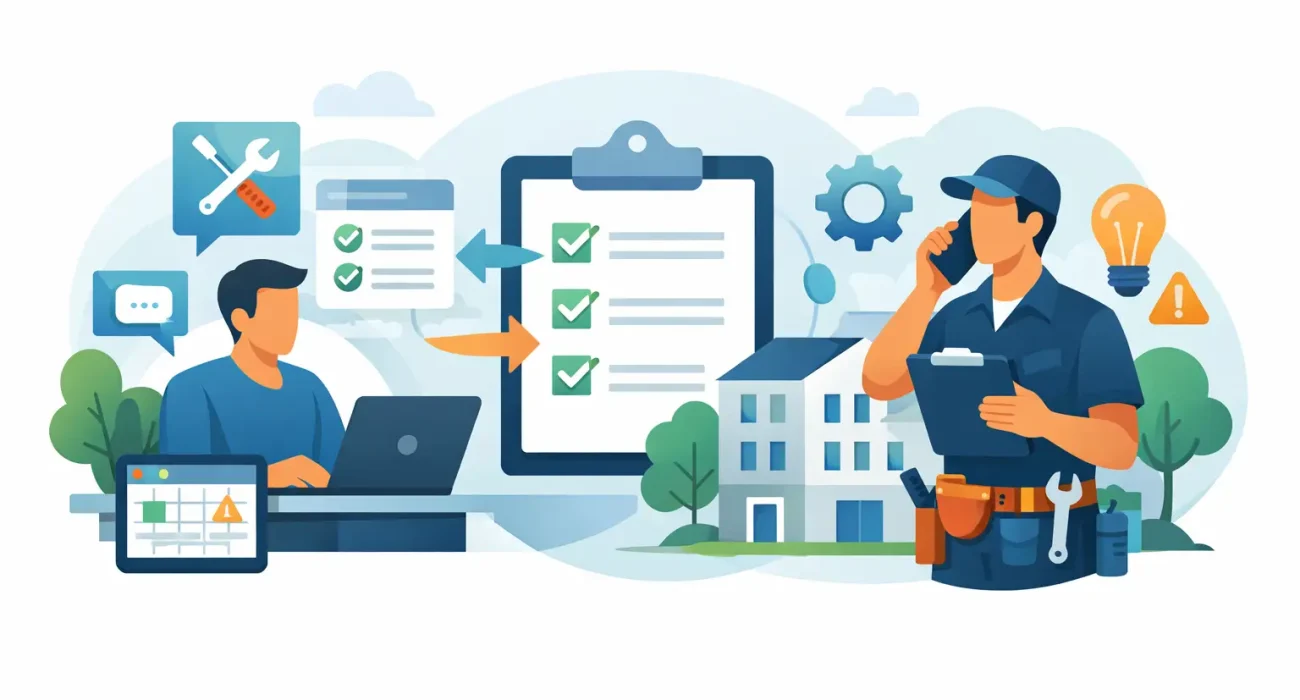
A leaking pipe reported by phone, an air-conditioning issue sent by WhatsApp, and a broken light mentioned to a security guard can all become the same problem: a maintenance request that no one owns. When requests arrive through scattered channels, property teams lose time, tenants lose confidence, and small issues become expensive repairs. Learning how to organize property maintenance requests gives managers a practical way to protect assets, respond faster, and keep every stakeholder informed.
The goal is not to create more administration. It is to create one dependable process that shows what was reported, how urgent it is, who is responsible, what work was completed, and whether the tenant is satisfied. For property managers handling residential buildings, commercial units, retail spaces, or mixed-use properties, that visibility is a core operating advantage.
Start With One Clear Request Channel
The first rule is simple: every maintenance request needs to enter one central system. That can be a property management platform, a dedicated maintenance portal, or business software configured for your team. The tool matters, but consistent use matters more.
Tenants and staff should know exactly where to submit an issue. If they can report problems by email, phone, text message, social media, and informal conversations, your team will spend too much time searching for details and confirming what was said. A centralized request form gives each issue a reference number and creates an auditable record from the beginning.
Make the form easy to use. Ask for the unit or property location, the issue category, a short description, the time it was noticed, and photos or videos where relevant. Avoid long forms that discourage reporting. A tenant facing a water leak needs a fast route to help, not a complicated questionnaire.
There should still be an exception for true emergencies. Provide a clearly displayed emergency contact process for immediate threats such as active flooding, fire risks, electrical hazards, gas odors, or loss of essential building access. After the urgent call is handled, the issue should still be recorded in the same system so no work disappears from the property history.
How to Organize Property Maintenance Requests by Priority
Not every request deserves the same response time. A faulty hallway light and a burst pipe both need attention, but they do not create the same risk. Priority rules help your team act decisively rather than responding only to whoever follows up most often.
Create a small set of priority levels that everyone can understand. In most properties, four levels are enough:
- Emergency: Immediate danger, major property damage, or a serious interruption to essential services.
- Urgent: A problem that significantly affects safety, security, sanitation, or a tenant’s ability to use the space.
- Routine: A repair that should be completed within a defined service window but does not create an immediate risk.
- Planned: Improvements, nonessential repairs, or requests that can be grouped with scheduled maintenance work.
Assign response and completion targets to each level. For example, an emergency may require an immediate acknowledgment and dispatch, while a routine request may have a two- or three-day completion target. The right targets depend on your property type, staffing level, vendor coverage, and lease commitments. A luxury residential building may need faster response standards than a warehouse with an on-site facilities team.
Priority should be based on impact, not on the tenant’s status or the order in which messages arrived. This protects fairness and allows managers to explain decisions with confidence.
Capture Details That Help Technicians Work Faster
A vague request such as “AC not working” often creates repeat visits. The technician arrives, learns the unit has intermittent cooling, discovers the issue happens only in the afternoon, and then has to return with parts. Better intake details reduce those delays.
Use standardized categories such as HVAC, plumbing, electrical, appliances, access control, pest control, common areas, and structural repairs. Within each category, add useful prompts. For an air-conditioning request, ask whether the system has stopped completely, is making unusual noise, leaking water, or cooling unevenly. For plumbing, ask whether water is actively leaking and whether the main supply can be safely isolated.
Photos, short videos, and exact location details are especially valuable for larger sites. They help the maintenance coordinator send the right person with the right tools and spare parts. They also provide a record if the damage worsens or responsibility needs to be reviewed later.
Assign Ownership, Not Just a Status
A request marked “open” is not a plan. Every ticket should have an owner who is accountable for moving it forward, even when an outside contractor performs the work.
The owner may be a property manager, maintenance supervisor, building engineer, or coordinator. Their responsibility is to verify the priority, assign the technician or vendor, monitor progress, communicate updates, and close the ticket only after the work is confirmed. This avoids the common gap between “the vendor was called” and “the issue was actually resolved.”
For larger portfolios, establish routing rules. Plumbing issues can go directly to the approved plumbing vendor, while common-area electrical issues go to the facility technician. Rules reduce manual handoffs, but a manager should still review exceptions, repeated failures, and high-cost jobs.
Vendor performance should be tracked in the same workflow. Record arrival time, labor hours, materials used, cost, work notes, and any follow-up required. Over time, this gives decision-makers evidence when renewing vendor agreements or deciding whether in-house maintenance capacity is justified.
Keep Tenants Informed Without Creating More Work
Silence is often interpreted as inaction. A tenant does not need a long technical explanation, but they do need to know that the request was received and what will happen next.
Automated notifications can confirm submission, share the ticket number, and set an expected response window. As the request changes status, send concise updates: assigned, technician scheduled, awaiting parts, completed, or closed. If the repair is delayed, explain the reason and give the next expected step. A short, honest update builds more trust than an unrealistic completion promise.
Communication should also be practical for property operations. If access to a unit is required, the system should prompt the tenant to confirm availability. If water or electricity must be shut off in a common area, notify affected occupants early. Organized communication prevents failed visits and reduces avoidable complaints.
Use Statuses That Reflect Real Work
Too many statuses make reporting confusing. Too few hide where work is getting stuck. A useful workflow usually includes submitted, reviewed, assigned, scheduled, in progress, awaiting tenant access, awaiting parts or approval, completed, and closed.
The difference between completed and closed matters. “Completed” means the technician states that the repair is finished. “Closed” means the manager has reviewed the work, costs, and tenant confirmation where needed. This final check is especially helpful for recurring issues, damage claims, and repairs performed by third parties.
Do not allow old requests to remain open indefinitely. Set reminders for tickets with no activity and require a reason when a request is canceled or put on hold. An aging-ticket report is one of the fastest ways to find operational bottlenecks.
Turn Maintenance Data Into Better Property Decisions
Organized requests are more than a service tool. They reveal what your property is trying to tell you. Repeated water leaks in the same line, frequent HVAC calls in one wing, or recurring access-control failures may point to an asset problem that individual work orders cannot solve.
Review maintenance data monthly. Focus on response time, completion time, open request volume, repeat issues, cost by category, vendor performance, and tenant satisfaction. For a growing portfolio, compare trends across buildings and units. This helps managers budget for replacement work before emergency repairs consume the maintenance budget.
It also supports preventive maintenance. If service records show that a particular pump, elevator component, or air-conditioning unit needs frequent corrective work, schedule inspections or replacement planning before it fails at the worst possible moment. Preventive work requires planning and upfront cost, but it usually reduces disruption and protects the property’s long-term value.
Choose Technology That Fits Your Operation
A simple spreadsheet may be enough for a small property with a low request volume and one maintenance person. However, spreadsheets become difficult to manage when multiple buildings, vendors, approvals, tenant communications, and service-level targets are involved. At that point, dedicated property management or maintenance software provides stronger accountability.
Choose a system that matches how your team works. It should support mobile updates for technicians, photo attachments, role-based access, automated notifications, reporting, vendor records, and clear approval steps. Avoid choosing software only because it has the longest feature list. A system that staff and tenants actually use is more valuable than one with complex functions left untouched.
For businesses that need tailored implementation, SDQ Tek can help configure property management workflows around the way a local operation handles requests, approvals, tenant communication, and reporting. The right setup should reduce manual follow-up, not add another dashboard for managers to chase.
A well-organized maintenance process creates a calmer property operation. When every request has a clear path from report to resolution, your team can spend less time finding information and more time protecting tenants, assets, and service standards.