

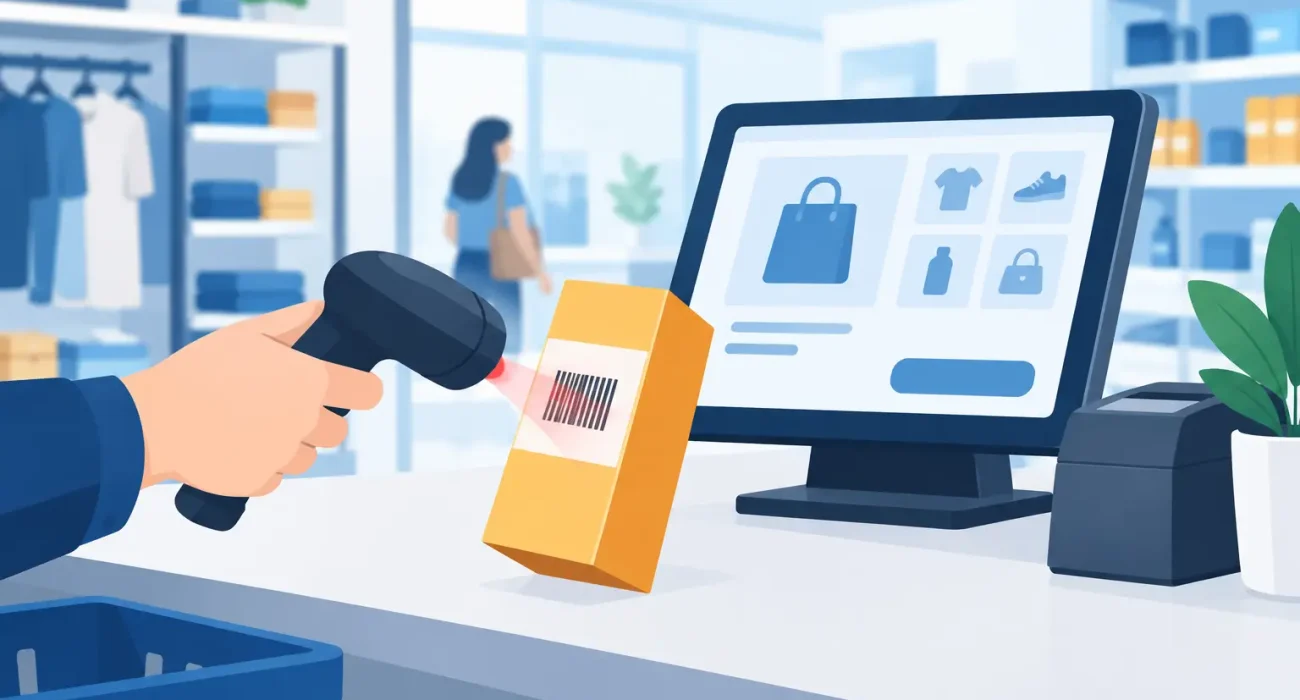
A barcode that fails at the checkout counter can hold up an entire queue. A barcode that scans but does not update stock creates a different problem: the shelf says available, the system says nothing, and staff spend time resolving avoidable discrepancies. The best retail barcode scanner software is not simply the system that reads codes fastest. It is the software that connects checkout, inventory, pricing, purchasing, and reporting in a way your team can rely on every day.
For retail owners, the decision should begin with operations, not hardware. A low-cost scanner can be replaced. A poorly matched software platform can create ongoing errors, slow training, and fragmented reporting across every branch or sales channel.
What Retail Barcode Scanner Software Should Actually Do
Barcode scanning software sits between the scanner and the retail system that records the sale. When a cashier scans an item, the software should identify the correct product, apply the current price and tax settings, reduce available inventory, and record the transaction against the right location and user.
That basic process sounds simple, but it becomes more demanding as a store grows. Retailers may need to manage variants such as size and color, supplier-specific item codes, promotions, returns, bundled products, and stock transfers between locations. The right system keeps those activities connected instead of relying on manual spreadsheets or separate applications.
A strong retail POS platform also gives managers useful visibility. You should be able to see which products sell quickly, which items are sitting too long, which staff shifts process the most transactions, and where inventory differences are occurring. Barcode scanning is the input point. Better decisions are the business result.
Best Retail Barcode Scanner Software: What to Look For
There is no single best option for every retailer. A compact fashion boutique, a supermarket, an electronics store, and a multi-location specialty retailer have different checkout speeds, product catalogs, and inventory requirements. However, dependable software should cover several essential areas.
Fast and accurate POS scanning
The system must recognize product barcodes quickly and consistently at the point of sale. It should work with the scanner type your store needs, whether that is a wired handheld scanner, wireless scanner, presentation scanner, or mobile device. Compatibility matters because a scanner may technically connect to a computer but still behave inconsistently with the POS application.
Look for software that allows staff to search for an item by name or SKU when a barcode is damaged or missing. This keeps a single labeling issue from delaying a customer transaction.
Real-time inventory control
Each completed sale should reduce inventory automatically. Likewise, returns, purchase receipts, stock adjustments, and transfers should update quantities with clear records. If your stock count is only accurate after a manual reconciliation, the system is not providing the control a retailer needs.
For businesses with multiple locations, inventory should be visible by branch. A customer may ask whether an item is available at another store, and staff should be able to answer without making calls or checking separate files. This feature becomes especially valuable for retailers managing online orders alongside in-store sales.
Flexible product and pricing management
Retail software should make it practical to add products, assign barcodes, set categories, create variants, and manage supplier information. It should also support pricing rules that match the way you sell. That can include sale prices, customer-specific pricing, volume discounts, seasonal offers, or product bundles.
Be careful with systems that make simple product updates difficult. If changing a price requires technical help or complicated workarounds, promotions become harder to execute and staff may resort to manual overrides at checkout.
Clear reporting and accountability
Owners need more than a daily sales total. Useful reports show sales by item, category, cashier, payment type, time period, and location. Inventory reports should identify low-stock products, slow-moving products, valuation, and adjustment history.
User permissions matter as well. Cashiers should have the tools needed to process sales and returns, while managers retain control over price changes, voids, discounts, and inventory corrections. This protects margins and helps identify training issues before they become larger losses.
Match the Software to Your Store Model
The software that works well for a small single-location retailer may become restrictive when a second branch opens. Before selecting a platform, consider where the business is heading over the next one to three years.
A startup with a focused product range may prioritize easy setup, straightforward checkout, and simple stock management. A growing retailer may need purchasing workflows, supplier records, staff controls, customer loyalty features, and branch-level reporting from the beginning. Choosing only for current needs can lead to a costly migration later.
For high-volume environments, scanning speed and reliability deserve extra attention. Grocery, convenience, pharmacy, and fast-moving retail operations often process many transactions in short periods. The POS should handle barcode scans, weighted items where relevant, promotions, and receipt printing without creating bottlenecks.
Specialty retailers may need deeper product attributes. Apparel stores commonly require size and color matrices. Electronics retailers may track serial numbers, warranty details, or individual device records. Businesses selling regulated or age-restricted items may also require tighter controls and transaction records. Ask providers to demonstrate your real product scenarios rather than accepting a generic sales demonstration.
Hardware Compatibility Is Part of the Decision
Software and hardware should be planned together. A barcode scanner, receipt printer, cash drawer, label printer, and POS terminal need to operate reliably as one checkout setup. Buying each component separately without confirming compatibility can result in avoidable configuration work and support delays.
Wired scanners are often a practical choice for fixed checkout counters because they are dependable and do not require charging. Wireless scanners give staff more mobility for larger products or stock checks away from the counter. Mobile scanning can be useful for inventory counts and receiving deliveries, but it depends on device management and stable connectivity.
Do not overlook barcode label printing. If you create internal barcodes for products without manufacturer codes, the software should support consistent labeling. Labels need to match the product record precisely. Otherwise, staff can scan the wrong item even when the scanner is working correctly.
Questions to Ask Before You Commit
A provider should be able to answer practical questions clearly, without vague promises. Ask whether the system can import your existing products and customers, how it handles duplicate barcodes, and what happens if internet service is temporarily unavailable. Confirm the process for backups, data access, user permissions, and software updates.
You should also ask about implementation. Who will set up products, taxes, payment settings, printers, scanners, and staff accounts? Who trains the team? What support is available when a checkout issue occurs during business hours? Retail technology is most valuable when there is a responsible team behind it.
Cost should be reviewed as a complete operating picture. Consider software licensing, hardware, installation, training, ongoing support, additional branches, and optional modules. The cheapest package can become expensive if essential functions must be added later or if staff lose time managing manual workarounds.
Implementation Determines the Result
Even well-designed retail barcode scanner software can fail if product data is incomplete or staff are not trained properly. Before launch, clean up duplicate items, confirm unit prices, verify stock quantities, and establish a consistent method for receiving inventory and handling returns.
Run test transactions with common store situations: regular sales, discounts, returns, out-of-stock items, damaged barcodes, and stock receiving. Give cashiers a short, practical workflow to follow and ensure managers know how to review exceptions. This preparation reduces disruption on the first day of use.
For retailers in Qatar, local implementation support can make a meaningful difference, particularly when a business needs tailored POS settings, on-site setup, or responsive assistance after launch. SDQ Tek helps retailers align POS software, barcode workflows, and business operations around the way their stores actually operate.
The right choice is the one that gives your staff confidence at the counter and gives management trustworthy numbers after the sale. Start with your daily workflow, test it against real store scenarios, and choose a partner prepared to support the system long after installation.