

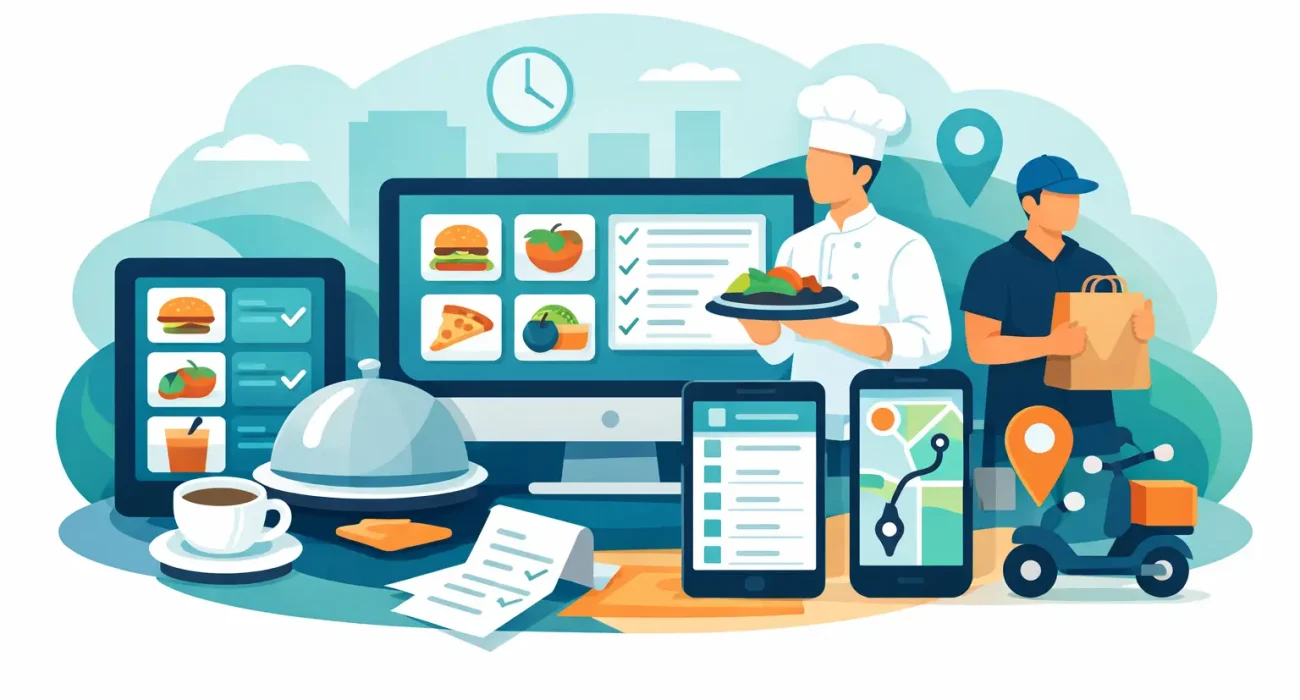
A busy lunch rush exposes every weakness in a restaurant system. Orders get delayed between the dining floor and kitchen, delivery tickets pile up, modifiers get missed, and managers end up solving preventable problems instead of running service. That is exactly why choosing the best software for restaurant order management matters. The right platform does more than take orders – it keeps front-of-house, back-of-house, online channels, and reporting aligned.
For restaurant owners and operators, this is not just a technology decision. It is an operational decision that affects speed, accuracy, labor efficiency, customer satisfaction, and margin control. If your current setup relies on disconnected tools, handwritten notes, or a basic POS that was never designed for multi-channel order flow, the cost shows up every day in lost time and avoidable errors.
What the best software for restaurant order management should actually do
A strong order management system should centralize every order source in one place. That includes dine-in, takeaway, delivery, QR menu ordering, and third-party platforms if you use them. When orders come in through separate systems, staff waste time re-entering information, and the risk of errors rises immediately.
The best software also needs to handle modifiers clearly. Restaurants do not lose money on simple items alone. They lose money when add-ons, cooking preferences, combo changes, and special requests are not communicated properly. A system that passes clean order details from the cashier or customer directly to the kitchen can reduce remakes and speed up fulfillment.
Kitchen communication is another major factor. If the software includes a kitchen display system or integrates well with one, your team gains a much clearer production flow. Tickets can be prioritized, timed, and routed by station. That matters far more than flashy dashboards if your operation is handling high-volume service.
Reporting should also be practical, not overloaded. Owners need visibility into peak hours, best-selling items, canceled orders, voids, and delivery performance. Managers need enough detail to make decisions, but not so much complexity that reports go unused.
Key features to look for before you buy
The best software for restaurant order management usually includes a mix of POS functionality, order routing, kitchen coordination, and customer-facing convenience. What matters is how those features fit your service model.
If you run a quick-service restaurant, speed and queue handling come first. You need fast order entry, easy combo building, kitchen routing, and support for takeaway and delivery without slowing the counter team.
If you manage a full-service restaurant, table management and server workflow become more important. In that case, look for software that supports table mapping, split bills, course timing, and smooth communication between servers, cashiers, and the kitchen.
For cafes and casual concepts, mobility can make a bigger difference than advanced floor management. Tablet-based ordering, QR menus, and simple loyalty tools may bring more value than enterprise-level complexity.
Across most restaurant types, there are a few features worth treating as essential:
- Centralized order intake from in-store, online, and delivery channels
- Clear modifier and special request handling
- Kitchen display or kitchen printer support
- Real-time menu and pricing updates
- Inventory or ingredient tracking, if stock control matters to your model
- Sales and order reporting that managers can understand quickly
- Role-based access for staff and supervisors
- Reliable support when service hours are at stake
Cloud-based vs on-premise systems
Many operators prefer cloud-based software because it is easier to update, access remotely, and expand across locations. For growing businesses, this usually makes sense. If you open a second branch, cloud tools can help standardize menus, pricing, and reporting without building everything from scratch.
That said, internet dependency is a real consideration. If your connection is unstable, you need a system with offline capabilities or local failover options. This is where many buying decisions should be more practical and less trend-driven. The newest platform is not automatically the best one if it cannot support your actual service environment.
On-premise systems still appeal to some businesses that want tighter local control, but they often come with more maintenance responsibility and less flexibility. For most small and mid-sized restaurants, cloud-based software with dependable backup options is the more balanced choice.
Integration matters more than feature count
A common mistake is choosing software based on the longest feature list. In practice, integration matters more. A restaurant may have online ordering, in-house POS, accounting software, payment processing, and marketing tools all operating separately. That creates unnecessary friction.
The better approach is to choose software that fits into a connected workflow. When menus update once and sync across channels, staff save time. When sales data feeds directly into reporting and finance systems, management gets cleaner visibility. When QR menu ordering, dine-in service, and takeaway all move through one structure, service becomes easier to control.
This is especially important for businesses that want operational technology and digital growth to work together. If your ordering software can support a better customer experience while feeding data into promotions, loyalty, or online ordering strategy, it creates value beyond the transaction itself.
Best software for restaurant order management by business need
There is no single best software for every restaurant. The better question is which system fits your operation with the least friction and the clearest return.
For single-location restaurants, ease of use should be a priority. A system that your staff can learn quickly often delivers better results than a more advanced platform that creates confusion during service. Simpler software can still be highly effective if it handles order flow well and gives you dependable reporting.
For multi-location groups, centralized control matters more. You may need unified reporting, shared menu management, location-level permissions, and stronger integration across branches. In that scenario, a basic entry-level system may create more limitations than savings.
For delivery-heavy operations, channel consolidation is critical. If your team is copying orders from different apps into the POS, the software is not doing enough. Delivery-focused businesses benefit most from systems that pull everything into one workflow and route orders directly to production.
For restaurants with dine-in and QR ordering, the guest experience becomes part of the order management equation. The software should make it easy for customers to browse menus, customize items, and send accurate orders without creating extra work for staff.
What restaurant owners often overlook
Support is one of the most underestimated parts of this decision. Even strong software becomes a weak investment if setup is rushed, training is poor, or help is slow when problems happen. Restaurants do not operate on a forgiving schedule. If the system fails during lunch or dinner service, you need responsive support from people who understand the business impact.
Localization also matters. Tax setup, payment methods, receipt formatting, language preferences, and service expectations can vary by market. A restaurant in Qatar, for example, may need a different implementation approach than a restaurant in the US, even if the software brand is the same. This is where working with a technology partner instead of just buying a license can make a measurable difference.
Another overlooked issue is overbuying. Some restaurants invest in enterprise software when they only need dependable order routing, mobile POS, and kitchen coordination. Others do the opposite and choose the cheapest option, then outgrow it within months. The right investment sits between those extremes.
How to evaluate software before making a decision
Start with your current bottlenecks. If tickets get lost, focus on kitchen communication. If online and in-store orders are disconnected, focus on centralization. If managers lack visibility, focus on reporting. Buying around real pain points leads to better outcomes than shopping around brand recognition alone.
Ask for a workflow demo, not just a product tour. You want to see how an order moves from entry to kitchen to payment to reporting. That is where strengths and weaknesses become obvious.
It also helps to involve the people who will use the system every day. Managers may care about reporting, but servers care about speed, and kitchen staff care about clarity. A system that looks good in a sales presentation can still fail if the daily workflow feels awkward.
If you are also reviewing your digital presence, online ordering, or QR menu strategy, it makes sense to look at the software decision as part of a broader operation upgrade. That is often where businesses get the best result – not from one tool alone, but from a setup designed to reduce friction across the entire customer journey. For restaurants that want local implementation and practical support, a partner like SDQ Tek can help align the software choice with actual business goals rather than generic platform promises.
The best system is the one your team will use confidently during the busiest hour of the day. Choose software that fits your restaurant as it runs now, with enough room for where you want it to go next.