

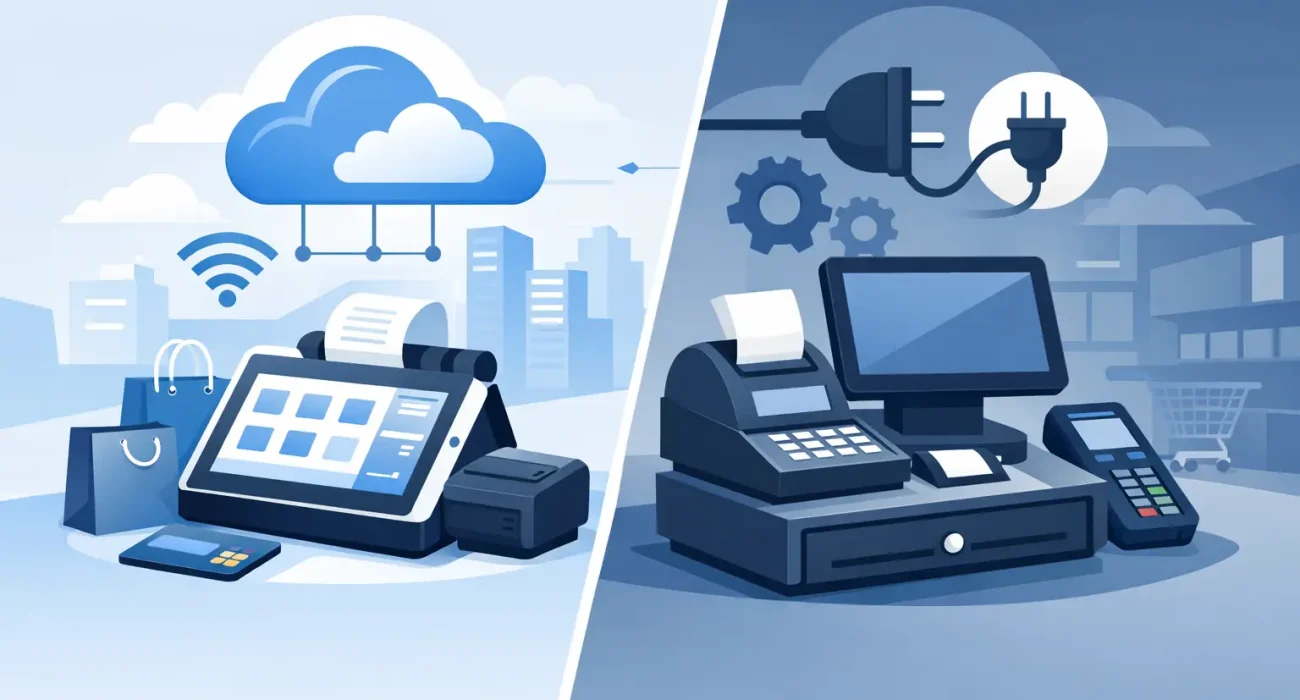
A busy lunch shift is not the time to discover that a payment terminal cannot reach the internet. It is also not the time to realize that yesterday’s sales report is trapped on one computer in the back office. The decision between cloud POS versus offline POS comes down to how your business balances continuity, visibility, cost, and growth.
For restaurants and retailers, a point-of-sale system is more than a way to take payments. It controls orders, inventory, staff access, discounts, customer records, and daily reporting. Choosing the wrong setup can create avoidable friction. Choosing the right one gives managers clearer control when the business is busy and when they are away from the counter.
What is a cloud POS system?
A cloud POS system stores core business data on secure online servers rather than only on a local computer at your site. Sales, menu changes, stock updates, and reports can be accessed through a web dashboard or app from authorized devices.
This approach is particularly useful for operators who need visibility beyond a single location. A restaurant owner can review sales from home, a retail manager can check stock across branches, and an accountant can export current reporting without waiting for someone at the store to send a file.
Cloud systems usually run on a subscription model. The provider manages software updates, feature improvements, and data backups as part of the service. That reduces the burden of maintaining an in-house server, although it also means the system depends on a stable connection for its full feature set.
What is an offline POS system?
An offline POS system, often called an on-premise or local POS, keeps its database and software on hardware located at the business. It can continue processing transactions and storing information within the local network even when internet service is unavailable.
For some businesses, that independence is the main attraction. A store in an area with inconsistent connectivity may prefer a locally installed system that does not stop at the first internet outage. It can also suit operators who want direct control over their software environment and data storage.
However, offline does not automatically mean simpler. Local systems need their own backups, hardware maintenance, security updates, and support plan. Remote access and multi-location reporting may be limited or require additional configuration.
Cloud POS versus offline POS: the practical differences
The right comparison is not simply online versus offline. Many modern cloud platforms include an offline mode that lets staff continue taking orders or payments temporarily, then syncs records when the connection returns. The quality and limits of that offline mode matter. Some systems can record cash sales only, while others can hold orders, print kitchen tickets, and process certain card transactions depending on the payment setup.
Reliability during disruptions
Offline POS has a clear advantage when internet service drops because its main database is already on-site. A properly configured local system can continue operating within the store network.
Cloud POS depends more heavily on internet access, but it offers protection against a different kind of disruption: local hardware failure. If a back-office computer fails or a site is damaged, cloud-based records remain available from another authorized device. With an offline system, recovery depends on the quality and frequency of local backups.
The practical question is not whether outages can happen. They can. Ask how long your connection failures typically last, what functions must continue during an outage, and how the system recovers afterward. A reliable business setup may include a secondary internet connection, such as mobile backup, regardless of which POS model you choose.
Reporting and management visibility
Cloud POS is usually stronger for real-time reporting. Owners can see daily sales, top products, voids, staff activity, and inventory movement without being physically present. This is valuable for multi-branch restaurants, retailers with stock moving between locations, and owners who cannot be at every site.
Offline POS reporting is often reliable within the location, but getting current figures from several branches can require manual exports or scheduled synchronization. That creates delays and increases the risk that decisions are based on old information.
For a growing business, visibility has real commercial value. If a popular item is running low, a manager should be able to act before it affects sales. If one branch has an unusual number of discounts or voids, the owner should see it quickly enough to investigate.
Upfront cost and ongoing cost
Offline POS commonly requires a larger upfront investment in a server, computers, licenses, installation, and technical setup. The monthly cost may be lower afterward, but that does not remove the need for maintenance, replacements, and backup management.
Cloud POS generally spreads costs through monthly or annual subscriptions. That can be easier for startups managing cash flow, and it makes adding another terminal or location more predictable. Over several years, subscription costs can become substantial, so owners should compare total cost of ownership rather than looking only at the first invoice.
A useful comparison includes hardware, payment terminal integration, implementation, staff training, software subscriptions, support, upgrades, backup connectivity, and expected replacement costs. Low-priced software can become expensive if it requires frequent manual work or leaves staff without responsive help when a problem occurs.
Updates, security, and support
With a cloud system, updates are usually applied by the provider. New features, security improvements, and compatibility changes can reach all locations without each branch needing a separate visit. This is convenient, but businesses should confirm when updates occur and whether they can affect operating hours.
With offline POS, the business or its technology partner is responsible for patches and maintenance. This gives more control over when changes are made, but it also creates a risk: delayed updates can leave systems exposed or incompatible with newer devices.
Support quality matters as much as the software itself. A restaurant cannot wait until the next business day if printers stop sending kitchen orders before a weekend rush. A retail shop needs a clear escalation path if payment processing or inventory updates fail. Local implementation and responsive support are often worth more than an impressive feature list.
Which businesses benefit most from cloud POS?
Cloud POS is often a strong fit for businesses that need mobility, centralized reporting, and room to expand. A growing café group can manage menus and pricing across locations. A retailer can monitor inventory and sales performance without relying on spreadsheets. A service business with appointments can connect transactions with customer records and scheduling workflows.
It is also well suited to owners who want to manage operations from outside the premises. That does not mean management should be remote all the time. It means the information needed for decisions is available when it is needed.
Cloud systems work best when the business has dependable internet, a tested backup connection, and clear procedures for temporary offline operation. Before signing up, test the exact workflow your team needs during a connection loss, including receipts, kitchen printing, discounts, refunds, and card payments.
When offline POS is the better choice
Offline POS can be the sensible choice for a single-location business with unreliable connectivity, highly specific local requirements, or a strong preference for on-site control. It may also fit operations where every second of uptime matters and the business has the capacity to maintain its own equipment properly.
That choice should come with discipline. Local data needs automated backups stored away from the site, protected access controls, tested recovery procedures, and a support partner that understands the system. An offline POS is not automatically more secure simply because it is local. Security depends on how well it is configured and maintained.
Questions to ask before choosing a POS
Start with the real operating conditions, not the sales presentation. How many locations, terminals, and users do you have now? How many do you expect within two years? What happens during an internet outage? Do you need live inventory across branches? Can managers access reporting remotely? Who handles updates, backups, and urgent support?
Also consider integration. Restaurants may need kitchen display screens, QR menus, delivery workflows, table management, and recipe-based stock control. Retailers may need barcode scanning, purchase orders, returns, customer loyalty, and variants such as size or color. The POS should support the way your team actually works, not force the team into inefficient workarounds.
A hands-on review is more valuable than a generic demonstration. Run through a real order, a refund, an end-of-day close, a stock adjustment, and an internet interruption. If the process feels confusing in a test, it will feel worse during peak trading hours.
The best POS decision is the one that protects daily sales while giving you enough information to run the business with confidence. SDQ Tek can help Qatar businesses assess their operations, choose the right setup, and implement a POS solution with practical local support. Start with your busiest hour, your most common problem, and the next stage of growth you intend to reach.