

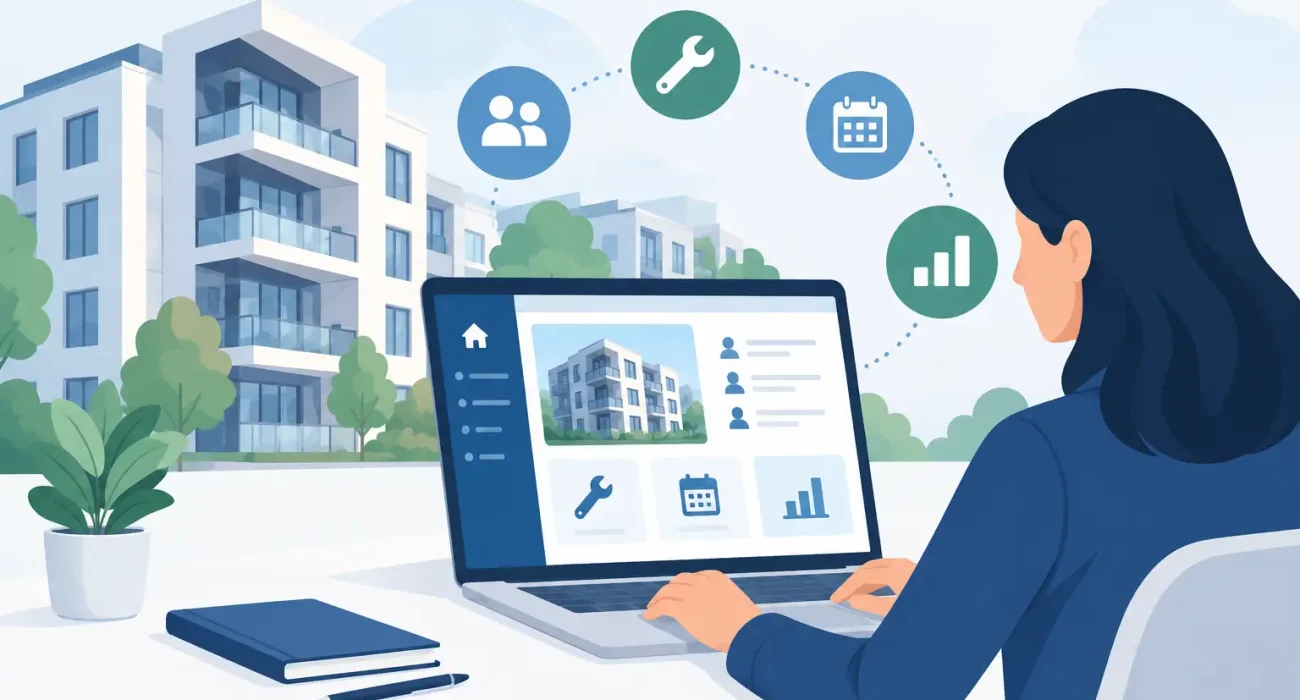
A property business can look profitable on paper while daily operations tell a different story. Lease dates live in spreadsheets, maintenance requests arrive through calls and messages, payment follow-ups consume staff time, and owners ask for reports that take days to prepare. This property management system guide helps operators choose technology that replaces those disconnected tasks with a clearer, more controlled way of working.
For property managers, landlords, and real estate operators, the right system is not simply a digital filing cabinet. It should give teams dependable visibility into occupancy, tenant activity, financial performance, and maintenance work without creating unnecessary complexity. The best choice depends on the type of properties you manage, the size of your team, and how much of your process needs to be standardized.
What a Property Management System Should Do
A property management system brings core operational records into one place. Rather than switching between paper files, messaging apps, spreadsheets, and accounting records, your team works from a shared source of information.
At a practical level, the system should manage units, tenants, leases, payments, invoices, maintenance requests, and reporting. It should show which units are vacant, which payments are overdue, which leases are approaching renewal, and which maintenance issues need attention. That visibility helps managers act before a small operational gap becomes a financial problem.
For growing businesses, the value is consistency. When staff members follow the same process for onboarding a tenant, recording a payment, or assigning a repair, service quality does not depend entirely on one experienced employee being available. This is especially useful for operators managing multiple buildings, mixed-use properties, or portfolios that are expanding.
Start With Your Operational Gaps
Do not begin by comparing software feature lists. Start by identifying where time, revenue, and visibility are being lost in your current workflow.
A manager with frequent late payments may need automated reminders, clear payment status tracking, and accurate receivables reports. A team handling a high volume of repairs may need maintenance ticketing, vendor assignment, status updates, and a record of costs by property. Another business may have reliable internal processes but struggle to give property owners timely, understandable performance reports.
Write down the tasks that create repeat work or confusion. Ask your team where records are duplicated, where approvals are delayed, and where mistakes are most likely to happen. These answers should shape your system requirements more than a generic list of features.
It also helps to distinguish between a process problem and a software problem. Software can organize lease renewals and send alerts, but it cannot solve unclear approval authority or incomplete tenant data on its own. A successful implementation usually includes both better technology and clearer internal responsibilities.
Core Features to Prioritize
The most suitable features will vary by business model, but a dependable property management system should cover the operational basics well before adding advanced tools.
Tenant and Lease Management
The system should maintain complete tenant profiles, lease terms, move-in and move-out dates, deposits, renewal status, and communication records. Lease expiry alerts are particularly valuable because they give your team time to begin renewal discussions or prepare a unit for marketing.
Look for a system that allows staff to find information quickly. If a team member needs several screens or separate spreadsheets to confirm a lease balance, the platform may add friction instead of reducing it.
Payment and Financial Controls
Payment tracking is one of the strongest reasons to adopt a property management system. The software should record charges, payments, balances, deposits, late fees, and outstanding amounts by tenant and unit. It should also support clean reporting so managers can review receivables without manually reconciling entries.
Financial capability needs careful review. Some businesses need only payment status and invoice records, while others require accounting integrations, owner statements, cost allocation, and detailed income reporting. Choosing more functionality than your team can use may increase implementation time, but choosing too little can force you back into spreadsheets within months.
Maintenance Management
Maintenance is where tenant satisfaction and operating costs often meet. A useful system lets tenants or staff submit requests, assigns work to internal teams or vendors, tracks progress, and records completion details. Managers should be able to identify recurring issues, monitor open tickets, and review repair costs by building or unit.
Mobile access can make a real difference for maintenance teams that work across locations. However, it should be tested in real conditions. A polished mobile interface is not enough if staff cannot update work orders quickly or if the workflow does not match how technicians actually operate.
Reporting for Management and Owners
Reports should answer business questions, not just produce data. At minimum, managers should be able to review occupancy, vacancy, rent collection, overdue balances, lease expirations, maintenance activity, and property-level revenue.
For businesses serving multiple owners, reporting needs are usually higher. Owners expect timely statements and clear visibility into how their properties are performing. A system that produces consistent owner reports can strengthen trust while reducing the administrative load on your staff.
How to Evaluate Vendors and Platforms
A demonstration is useful, but it is not a complete evaluation. Ask the provider to show your actual workflow: add a tenant, create a lease, record a payment, submit a maintenance request, close the job, and produce a report. This approach quickly reveals whether the platform is practical for your team.
Pay close attention to data migration. Moving tenant details, lease records, payment history, and unit information from old systems is often the most sensitive part of a project. Ask what information can be imported, who will validate it, and how errors will be handled before the system goes live.
Support matters just as much as features. Property operations cannot pause while a team waits for an answer about a payment issue or report discrepancy. For businesses operating in Qatar, a provider with local market understanding can be especially helpful when implementation needs to reflect local documentation, working practices, and responsive support expectations.
Before signing, clarify the full cost. Consider setup, licensing, user access, training, customization, support, integrations, and future upgrades. The lowest monthly price may not be the most economical option if it requires extensive manual work or lacks the support needed for adoption.
A Practical Implementation Plan
A phased rollout often creates better results than attempting to change every process at once. Begin with accurate property, unit, tenant, and lease data. Then introduce payment tracking and core reporting before expanding to maintenance workflows, tenant portals, or advanced owner reporting.
Assign a project owner inside the business. This person does not need to be a technical specialist, but they should understand daily operations and have authority to make decisions about workflows. Without a clear internal owner, implementation can stall between departments.
Training should be role-based. Front-desk staff need different guidance than accountants, leasing staff, property managers, and maintenance technicians. Use real examples from your properties during training, then give staff time to use the system in supervised conditions before relying on it fully.
Set a short review period after launch. Measure practical indicators such as time spent on monthly reports, overdue payment follow-up, lease renewal preparation, maintenance response time, and data-entry errors. If adoption is weak, find out whether the issue is training, system configuration, or a workflow that does not reflect reality.
Common Mistakes to Avoid
The first mistake is buying software because it has the longest feature list. A system should fit the business you have now while allowing reasonable growth. Complex tools can be worthwhile for large portfolios, but they may overwhelm a smaller team that needs reliable leasing, payments, and maintenance control.
The second is treating implementation as an IT project only. Property managers, accounting staff, leasing teams, and maintenance personnel all need input because they are the people who will use the system every day.
The third is neglecting data quality. Duplicate tenant records, incomplete lease dates, and inconsistent unit naming will affect every report and workflow that follows. Clean data is not a minor administrative task. It is the foundation of accurate management decisions.
A well-chosen system gives your team more time to manage properties, serve tenants, and make informed decisions instead of chasing information. The strongest result comes from pairing the right platform with hands-on implementation, practical training, and support that remains available after launch.