

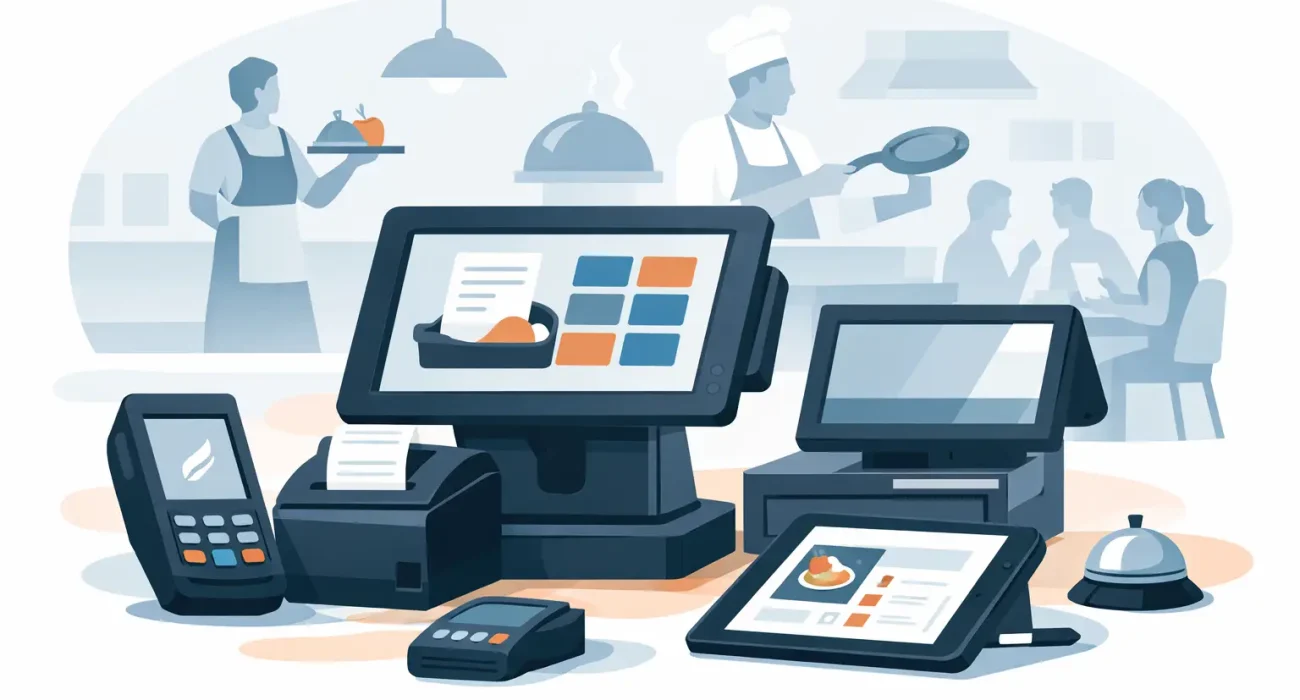
A point-of-sale system can look impressive in a demo and still slow down service on a busy Friday night. The real test is whether every device works reliably when orders are stacking up, staff are moving quickly, and customers expect fast payment. This restaurant POS hardware review focuses on the equipment that directly affects speed, accuracy, and continuity at the counter, in the dining room, and in the kitchen.
For restaurant owners, hardware should not be treated as an afterthought to POS software. A strong system depends on the right mix of terminals, payment devices, printers, kitchen screens, network equipment, and backup planning. The best setup is rarely the most expensive one. It is the one that fits the restaurant’s service model and can be supported when problems arise.
Restaurant POS Hardware Review: Start With Your Service Model
Before comparing brands or technical specifications, assess how your restaurant actually operates. A quick-service outlet has different needs from a full-service restaurant, cafe, cloud kitchen, or multi-branch concept. Buying hardware without this step often leads to unused devices in one area and bottlenecks in another.
A counter-service restaurant may need a fixed terminal, a customer-facing display, a receipt printer, and a payment device at each ordering point. A full-service restaurant may benefit more from handheld POS devices that allow servers to take orders and accept payment at the table. A busy kitchen may require kitchen display screens instead of relying only on printed tickets.
Think through peak periods, not quiet hours. If three staff members need to enter orders at the same time, one central terminal will become a delay. If delivery orders, dine-in orders, and pickup orders arrive through separate channels, your kitchen workflow needs to distinguish them clearly. Hardware should reduce these pressures, not move them from the front counter to the kitchen.
POS Terminals: Fixed, Mobile, or Both?
The POS terminal is the operational center of the system. Fixed touchscreen terminals remain a practical choice for cashier stations because they are stable, easy to position, and suited to repeated use. Look for commercial-grade hardware designed for long operating hours, not consumer tablets placed in a high-traffic environment without protection.
Screen size matters, but speed and durability matter more. Staff should be able to find menu items, modifiers, discounts, and table information without excessive scrolling. A terminal with too little processing power can become frustrating as the menu grows, promotions change, and reporting data accumulates.
Mobile devices are valuable when they solve a defined problem. Handheld terminals can improve table turnover, reduce order errors, and shorten payment time for full-service restaurants. They also help during rush periods when a manager needs to take orders away from the main counter. However, they require dependable Wi-Fi, charging procedures, protective cases, and clear staff accountability. A mobile-first setup is not automatically better if your team primarily serves customers from one counter.
Customer-facing displays are also worth evaluating. They allow customers to review items and totals before payment, which can reduce disputes and improve order confirmation. For quick-service concepts, this small addition can make transactions feel more transparent and organized.
What to check before purchasing a terminal
Ask whether the terminal can handle your expected volume, whether replacement units are available locally, and whether the POS software is fully compatible with the device. Also consider counter space, cable management, cleaning requirements, and how easily staff can access ports and power connections. A neat installation is easier to maintain and presents a more professional front-of-house experience.
Payment Devices Need Reliable Integration
Payment processing is where a poor hardware decision becomes visible to every customer. A payment device should process card, contactless, and mobile wallet transactions quickly while clearly communicating approval or decline status to staff and guests.
The key issue is integration. When the payment device is connected directly to the POS workflow, staff do not need to manually re-enter the total. This reduces keying errors and makes end-of-day reconciliation more accurate. A standalone payment device may have a lower upfront cost, but it can add friction during busy service and create more work for managers later.
Confirm that the device supports the payment methods your customers use and that it is approved for your payment provider. Ask how refunds, split payments, tips, voids, and failed transactions are handled. These are ordinary restaurant events, and the process should be simple enough for trained staff to manage without calling a supervisor every time.
It is also wise to ask what happens when connectivity drops. Some payment environments offer limited offline processing options, while others do not. The right approach depends on your provider, risk policy, and operating model, but the question should be addressed before launch.
Kitchen Printers and Displays: Choose Clarity Over Complexity
Kitchen hardware affects food quality as much as speed. A missed ticket, unclear modifier, or printer failure can turn into a remake, a refund, and a disappointed customer. The right choice depends on kitchen layout, order volume, and how many preparation stations you operate.
Thermal receipt printers are commonly used at cashier stations because they are fast and economical for receipts. In hot kitchen environments, impact printers can remain useful because they are better suited to heat and can print on multi-copy tickets. Neither option is universally best. The decision should reflect the physical conditions of the kitchen and the way tickets move between staff.
Kitchen display systems can provide a clearer alternative to paper tickets. They route orders to the right station, show timers, highlight modifiers, and help managers identify delays. They are especially useful for restaurants with high ticket volume or multiple order channels. Still, a kitchen display system requires staff adoption and a reliable network. Some restaurants keep a printer as a backup during the transition or for critical stations.
If you use printers, test ticket formatting before going live. Item names, modifiers, allergies, order type, and promised pickup times should be easy to read at a glance. A technically functional printer is not enough if the ticket design causes confusion during a rush.
Network and Power Are Part of the Hardware Decision
Many restaurant POS problems are blamed on software when the real cause is unstable Wi-Fi, poor network coverage, or inconsistent power. A POS system is only as dependable as the connection between its devices.
Separate business devices from guest Wi-Fi where possible. POS terminals, kitchen displays, handhelds, and payment devices should have dependable network access that is not competing with customer streaming and browsing. Coverage should be checked in the kitchen, outdoor seating area, storage rooms, and every location where handheld devices will be used.
Power protection also deserves attention. A quality battery backup can protect key devices during short interruptions and give staff time to complete or pause transactions safely. For restaurants where operations cannot stop, discuss backup internet options and recovery procedures with your technology provider. The goal is not to eliminate every disruption. It is to prevent a manageable issue from becoming a full service shutdown.
A Practical Restaurant POS Hardware Review Checklist
When comparing proposals, focus on the complete operating setup rather than the price of an individual terminal. A lower initial quote can become costly if it excludes installation, configuration, accessories, training, replacement coverage, or support.
Evaluate these questions before making a final decision:
- Does each service area have enough terminals or handheld devices during peak volume?
- Are payment devices integrated with the POS and supported by your chosen payment provider?
- Does the kitchen receive clear, correctly routed orders from every sales channel?
- Is the Wi-Fi and network infrastructure suitable for mobile devices and kitchen screens?
- What backup plan is available for power, internet, printer, or terminal failures?
- Who will install the equipment, train staff, and provide responsive support after launch?
The final question often separates a workable installation from a dependable long-term system. Restaurant teams cannot wait days for help when a terminal fails during service. Hardware quality matters, but local availability, fast response, and knowledgeable configuration support matter just as much.
Prioritize Support, Not Just Specifications
A restaurant POS installation should account for the menu, taxes, order flow, kitchen routing, staff roles, and reporting needs before the first transaction is processed. Hardware must be configured as part of that larger workflow. This is where a solution partner can add more value than a box of devices delivered to the restaurant.
SDQ Tek helps restaurants evaluate POS hardware in the context of their daily operation, from front-counter setup and payment flow to kitchen communication and ongoing support. The right recommendation may be a simple fixed-terminal system for one location or a combination of terminals, handhelds, and kitchen displays for a growing operation.
Choose equipment your staff can use confidently, your managers can maintain efficiently, and your business can rely on when the dining room is full. That is the standard a restaurant POS system should meet long after installation day.