

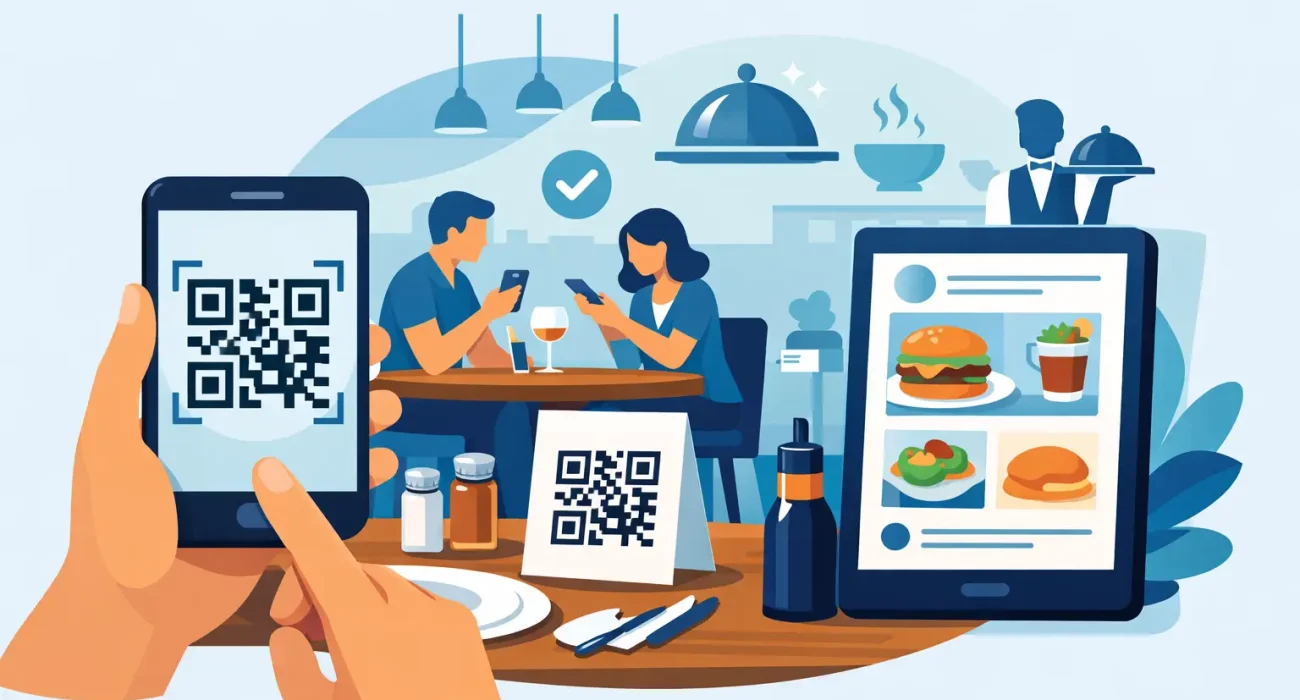
A busy lunch shift exposes every weak point in restaurant operations. Printed menus run out, prices change, staff repeat the same questions, and customers wait longer than they should. A qr code menu for restaurant service addresses those pressure points in a practical way. It gives guests instant access to the menu, makes updates easier for management, and supports faster, more consistent service.
For restaurant owners and operators, the value is not in novelty. It is in control. When the menu is digital, you can update items, prices, availability, and promotions without reprinting materials or relying on staff to explain every change table by table.
Why a qr code menu for restaurant operations makes sense
A digital menu works best when it solves real business problems. In most restaurants, those problems include slow table turnover, outdated pricing, and too much friction between the kitchen, service staff, and the guest. QR code menus help reduce that friction.
Customers scan the code with their phones and view the latest menu instantly. That sounds simple, but the business impact is meaningful. If an item sells out, it can be removed quickly. If you want to promote a high-margin combo, seasonal dish, or limited-time offer, the menu can reflect that immediately. If you operate in a multilingual market, digital menus can also make language options much easier to manage.
There is also a cost advantage. Printing is not a major expense once, but it becomes one when menus change often. Restaurants with regular updates, rotating specials, or price adjustments can save time and money by shifting to a digital format.
What customers expect from a QR code menu
Guests do not judge a restaurant only by food quality. They also judge how easy it is to order, how quickly they get answers, and whether the experience feels organized. A QR code menu should support that expectation, not complicate it.
The best digital menus load fast, look clean on a mobile screen, and make items easy to find. Categories should be clear. Photos should help, not slow the page down. Prices should be accurate. Descriptions should answer common questions before the guest needs to ask a server.
This is where some restaurants get it wrong. They treat the QR code as the solution, when it is really just the entry point. If the menu behind it is cluttered, hard to read, or not mobile-friendly, the customer experience suffers. A printed menu may be less flexible, but it is often easier to scan visually. A digital menu has to work harder to earn its place.
The operational benefits behind the front-of-house experience
From the customer side, the main benefit is convenience. From the restaurant side, the bigger advantage is operational consistency.
A well-managed QR code menu reduces manual errors. Staff are less likely to quote the wrong price or offer an unavailable item. Kitchen communication improves when the menu reflects the actual item list. Management gains more control over how products are presented, which matters when margins are tight and every sales opportunity counts.
Digital menus can also support upselling in a more structured way. Add-ons, meal pairings, featured dishes, and premium options can be placed where customers are more likely to notice them. That does not guarantee higher average order value, but it creates a better environment for it.
For restaurants that already use a POS system, the strongest results come from having the menu aligned with the broader operation. If pricing changes in one place but not the other, confusion follows. The goal should be a menu setup that supports daily service rather than creating another task to manage.
Where a QR code menu works best and where it needs support
Not every restaurant uses a QR code menu in the same way. Quick-service and casual dining venues often benefit the most because speed and menu flexibility matter more in those environments. Cafes, food courts, cloud kitchens, and takeaway-focused businesses also tend to see clear advantages.
In full-service dining, the answer depends on the brand experience. Some guests appreciate the convenience. Others still prefer a physical menu, especially in premium settings or when dining in groups. That is why many operators take a hybrid approach. They offer a QR code menu for speed and convenience while keeping printed menus available when needed.
This balanced approach is often the smartest one. Technology should support hospitality, not replace it. If a guest wants help, the staff should still be ready to guide the experience.
What to include in a restaurant QR menu setup
A useful digital menu is more than a PDF uploaded to a webpage. Restaurants get better results when the menu is built for mobile use from the start.
At a minimum, it should include well-organized categories, current pricing, item descriptions, and clear indications for popular concerns such as spice level, allergens, or dietary preferences. If your concept depends on visual appeal, selective use of strong product photos can improve decision-making. If your menu is large, a search function or category shortcuts may help.
It also helps to think beyond the menu itself. Contact details, location information, social proof, promotions, and order options can all play a role depending on the business model. A dine-in restaurant may focus on menu browsing and table service. A takeaway-driven concept may want a clearer path to direct ordering.
The right structure depends on how your restaurant actually operates.
Common mistakes that limit results
Many restaurants adopt QR menus quickly and then wonder why the impact feels small. Usually, the issue is not the concept. It is the execution.
One common mistake is linking the QR code to a file that is hard to read on a phone. Another is failing to update the menu regularly, which damages trust fast. Customers notice when prices, items, or offers do not match what they are told at the table.
Design also matters. Overcrowded layouts, small text, and inconsistent branding make the restaurant look less organized than it is. Even worse, some menus take too long to load because they rely on oversized images or poor web structure. Guests will not wait long.
There is also the issue of staff training. Even a simple digital tool needs buy-in from the team. If servers are unsure how the menu works, or if managers cannot update it quickly, the system loses value.
Choosing the right QR code menu solution
The right solution depends on your service model, menu size, update frequency, and how connected you want the system to be with the rest of your technology. Some restaurants only need a clean digital menu page with easy updates. Others need a more complete setup tied to POS workflows, promotions, and customer-facing ordering paths.
That is why implementation matters as much as the software itself. A restaurant does not need more disconnected tools. It needs a setup that fits daily operations, is easy to maintain, and comes with dependable support when updates are needed.
For businesses that want a localized technology partner rather than a one-time vendor, working with an experienced provider can reduce mistakes and speed up rollout. SDQ Tek supports restaurants with practical digital solutions that match real operating needs, including QR code menu systems that are built for usability, control, and ongoing support.
A smarter menu is really a smarter service tool
A qr code menu for restaurant use is not just about replacing paper. It is about creating a menu that can keep up with the pace of your business. When it is set up properly, it helps staff work with fewer interruptions, gives guests a clearer ordering experience, and gives management faster control over one of the most important parts of daily service.
The best restaurant technology does not call attention to itself. It simply removes friction, supports better decisions, and helps the business run the way it should.