

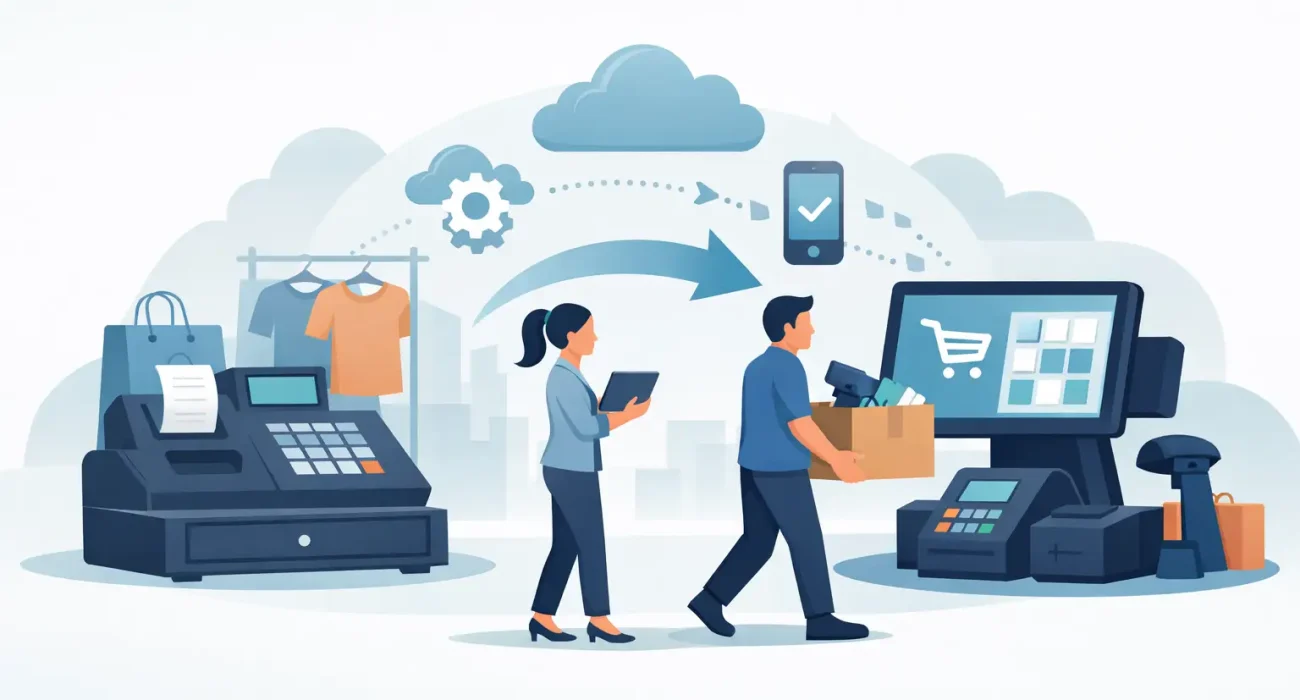
Your POS system usually gets replaced after it has already started costing you money. Not always in obvious ways, either. It shows up in slow checkouts, missing inventory updates, limited reporting, clumsy returns, and staff workarounds that become part of daily operations. A practical guide to retail POS migration starts there – with the real business impact of staying on the wrong system too long.
For retailers, migration is not just a software project. It affects sales, stock accuracy, customer service, finance, and store operations at the same time. That is why the best migrations are planned around business continuity first, then features second. A new POS should not only look better on paper. It should fit the way your store actually runs.
What retail POS migration really involves
Retail POS migration means moving from one point-of-sale setup to another without disrupting the core parts of the business. That includes transferring product data, pricing, tax settings, customer records, supplier details, historical sales where needed, user permissions, hardware compatibility, and store-level workflows.
Many business owners assume migration is mostly about installing new software. In practice, the harder part is making sure the new environment reflects the reality of your operation. If your current system has inconsistent SKUs, duplicate products, outdated pricing rules, or poor category structure, those issues can follow you into the new platform unless they are cleaned up first.
This is where migration projects often succeed or fail. A fast install is not the same as a good implementation. A system that goes live quickly but creates reporting gaps or checkout confusion can slow the business down for months.
Why retailers decide to migrate
The trigger is usually one of three things. First, the current system no longer supports growth. You may be adding locations, expanding product lines, or trying to connect in-store sales with ecommerce and inventory management. Second, support and reliability may have become a problem. If outages take too long to resolve or local support is limited, risk increases. Third, the reporting and control side may simply be too weak for better decision-making.
For growing retailers, there is also a broader operational issue. A POS system does not sit alone anymore. It often needs to work alongside accounting tools, CRM functions, loyalty programs, barcode workflows, payment devices, and online channels. If your current platform creates manual work between these systems, migration can remove friction across the business, not just at the register.
A guide to retail POS migration planning
The right planning process begins with defining what has to stay stable during the move. For most retailers, that means checkout speed, inventory integrity, pricing accuracy, and end-of-day reporting. If those four areas hold up, the rest of the transition is much easier to manage.
Start by auditing your current setup. Review your product catalog, active and inactive SKUs, tax rules, discounts, returns process, staff roles, store devices, receipt formats, and payment flows. This is the stage where hidden complexity shows up. A business with 5,000 products and seasonal pricing logic has a very different migration path from a single-location shop with a tighter catalog.
Next, decide what data truly needs to move. Not everything should be migrated. Many retailers benefit from bringing across current products, open customer balances, essential customer profiles, and a defined slice of historical sales rather than every legacy record available. Keeping too much old data can make the new system heavier and harder to manage.
Then map operational dependencies. If inventory counts feed purchasing decisions, if promotions rely on category rules, or if multiple branches transfer stock between locations, those workflows need to be tested in the new system before launch. Migration should reflect how the business functions day to day, not just how the software is configured in theory.
The common risks during a POS migration
The biggest risk is poor data quality. If your product names are inconsistent, your variants are messy, or your tax structure has grown through years of quick fixes, migration can expose every weakness at once. The new system may be better, but bad source data can still produce bad outcomes.
Another risk is underestimating hardware requirements. A retailer may assume existing barcode scanners, printers, cash drawers, or payment terminals will work without issue. Sometimes they do. Sometimes they do not. Compatibility should be verified early, especially if speed at checkout is a priority.
Training is another area where small mistakes become expensive. A POS may be simple for managers and still confusing for front-line staff during a busy shift. If your team is learning on live customers, confidence drops quickly. That affects transaction time and customer experience right away.
There is also the question of timing. Going live during a peak trading period, a major promotional weekend, or a stock-heavy season adds pressure. In some cases, businesses need a hard cutover. In others, a phased rollout by location or terminal reduces risk. The right choice depends on your scale, complexity, and internal readiness.
How to make the transition smoother
A successful migration depends on testing more than presentation. Product imports, price rules, barcode scanning, returns, exchanges, discounts, split payments, receipt printing, stock adjustments, and user permissions all need real-world checks. It is not enough to confirm that data imported. You need to confirm that routine store activity works the way staff expect.
Parallel validation can help. That means comparing outputs from the old and new systems before full launch. If the same product sale generates different tax values, stock movements, or reports, the issue should be resolved before go-live. This step takes time, but it can prevent costly confusion later.
Staff involvement also matters. Managers often focus on reporting and control, while cashiers and floor staff notice practical issues first. The speed of product search, clarity of buttons, and ease of handling returns can shape adoption more than any advanced feature. Getting team feedback early usually improves the final setup.
Retailers with multiple locations should pay attention to location-specific needs. One branch may have different product mixes, traffic patterns, or staffing realities. Standardization is useful, but forcing every store into the same workflow can create new inefficiencies.
What to look for in a migration partner
A provider should do more than install software. You want a partner who can assess operations, clean and structure data, confirm hardware fit, train staff, support the launch, and stay involved after go-live. That matters even more if your business wants local support and quick response when issues affect sales.
Ask practical questions. Who handles data mapping? How is testing managed? What historical data will be retained? What happens if problems appear on launch day? How are updates, support tickets, and user changes handled after implementation? These questions tell you more than a feature checklist ever will.
For businesses operating in Qatar, local context adds another layer. Tax settings, Arabic and English usability needs, receipt formats, multi-branch operations, and speed of on-site support can all influence the right migration approach. A provider with regional experience can usually spot issues earlier and tailor the rollout with fewer assumptions.
When migration is worth doing now
Some retailers delay because the current system still works well enough. That can be reasonable if the operation is stable and limitations are minor. But if you are spending growing amounts of time on manual corrections, inventory mismatches, delayed reporting, or staff workarounds, the cost of delay keeps rising.
Migration is often worth doing when it supports a clear business objective – opening another store, improving stock control, reducing checkout friction, centralizing reporting, or connecting store operations with broader business software. In those cases, the new POS is not just a replacement. It becomes part of a stronger operating model.
At SDQ Tek, this is typically where the conversation starts: not with software alone, but with what the business needs to run more efficiently and grow with fewer operational gaps.
A good POS migration should leave your business easier to manage than before. If the plan is grounded in clean data, realistic testing, and dependable support, the change feels less like a disruption and more like overdue progress.