

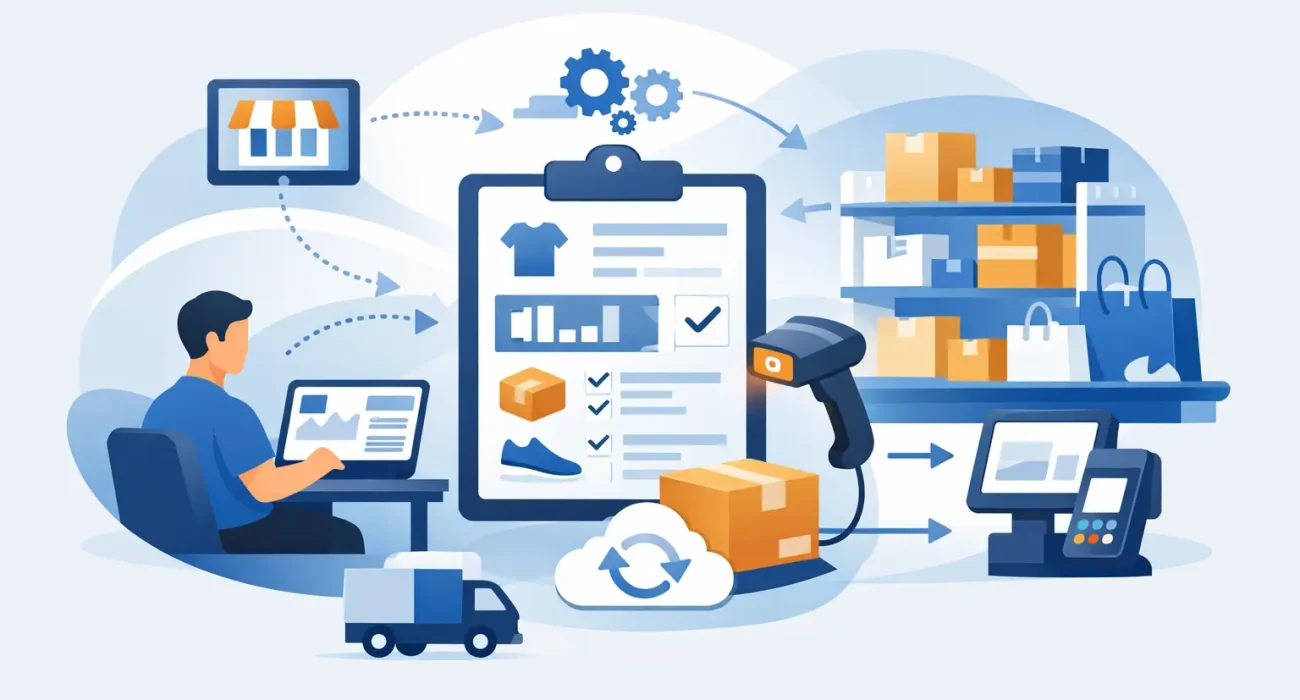
A customer walks in asking for a product your team believes is available. The shelf says otherwise. Your website still shows it in stock, your storeroom count is outdated, and now you are dealing with a lost sale and a frustrated customer. That is exactly why business owners ask how to automate retail stock updates – because manual inventory tracking breaks down fast when sales move across in-store, online, and back-office systems.
For retailers, stock accuracy is not just an operational detail. It affects cash flow, customer trust, reordering, staff productivity, and reporting. If inventory data lags behind actual sales and deliveries, every decision built on that data becomes weaker. Automation fixes that by moving stock information in real time or near real time between your POS, inventory system, eCommerce store, and purchasing workflow.
What automated stock updates actually mean
Automating stock updates means your inventory counts change automatically when a transaction or stock movement happens. A sale reduces available quantity. A return adds it back. A received purchase order increases stock. A transfer between branches adjusts counts in both locations. Instead of someone updating spreadsheets or manually reconciling systems at the end of the day, the software records the movement as it happens.
This sounds simple, but the setup matters. Some businesses only need a retail POS with built-in inventory control. Others need a broader system that connects physical stores, warehouses, online orders, and supplier purchasing. The right approach depends on your number of SKUs, sales channels, branches, and how often stock moves.
How to automate retail stock updates without creating new problems
The fastest way to fail is to automate bad inventory habits. If product data is inconsistent, staff skip barcode scanning, or returns are handled outside the system, automation will only make inaccurate data move faster. Before you add tools, clean up the process.
Start with a single source of truth for products. Every item should have a unique SKU, correct barcode, consistent naming, unit of measure, tax setup, and category. Variants like size and color should be structured properly, not entered as separate free-text descriptions by different staff members. If your product catalog is messy, stock automation will stay unreliable.
Next, map out where inventory changes actually happen in your business. Sales are obvious, but many stock issues come from less visible events like damaged goods, manual adjustments, supplier shortages, promotional bundles, online order cancellations, and branch transfers. Your system should capture these events in a controlled way rather than leaving them to side notes and memory.
Connect stock movement to your POS
For most retailers, the POS system is the core of inventory automation. Every completed sale should reduce stock immediately. Every return should reverse that deduction. If you are still ringing up sales in one system and updating inventory in another, you are creating delays and duplicate work.
A good retail POS also handles item variants, bundles, discounts, and multi-location inventory. That matters because stock errors often happen when businesses sell products with similar variations or run promotions that change how items are packaged and sold. If your POS cannot handle those cases cleanly, staff will find workarounds, and workarounds usually lead to inaccurate counts.
Add barcode scanning where accuracy matters most
Barcode scanning is one of the simplest ways to improve stock accuracy. It reduces manual entry mistakes at checkout, during receiving, and while counting stock. If an item can be scanned instead of typed, staff move faster and make fewer errors.
This is especially useful for growing retailers with frequent deliveries or high SKU counts. A store with 50 products may manage with basic controls. A store with 2,000 products, multiple brands, and seasonal turnover needs more discipline. Scanning creates that discipline without making the process slower.
Sync online and in-store inventory
If you sell through an eCommerce site, marketplace, social commerce channel, or WhatsApp ordering workflow, inventory syncing becomes essential. Without it, a product sold in store may still appear available online, leading to overselling and customer service problems.
Real-time sync is ideal, but not every business needs instant updates every second. For some retailers, a short synchronization interval is enough. The real question is how fast your stock levels change and how costly an oversell is. High-demand items, limited stock, and promotional campaigns usually require tighter synchronization than slower-moving products.
The systems that usually need to work together
Retail stock automation is rarely about one tool in isolation. It is about getting the right systems to exchange data reliably. In most setups, that means your POS, inventory management, purchasing, accounting, and online sales platforms need to stay aligned.
If your retailer operation has more than one branch, location tracking becomes non-negotiable. You need to know what is available at each store, what is in the warehouse, and what is reserved for customer orders. A system that shows only total stock across the business can create false confidence. You may technically have inventory, but not in the location where it is needed.
Purchasing and reorder automation
One of the biggest benefits of automated stock updates is better purchasing control. Once stock counts are accurate, the system can trigger low-stock alerts, recommend reorder points, or generate draft purchase orders based on sales history and lead times.
This does not mean you should fully hand over purchasing decisions to software. Seasonal demand, supplier reliability, and local buying patterns still need human judgment. But automation gives managers better visibility and reduces the chance of running out of fast-moving items simply because no one noticed the stock drop.
Accounting and reporting integration
Inventory affects margins, valuation, and financial reporting. If stock data lives separately from your accounting records, month-end reconciliation becomes more difficult than it should be. Integrating stock movements with accounting helps create more reliable reporting and gives owners a clearer picture of profitability.
That said, not every retailer needs a complex ERP environment. Many small and mid-sized businesses can get strong results from a practical integration between POS, inventory, and accounting software. The goal is not complexity. The goal is dependable information.
Common mistakes that weaken automation
The most common mistake is assuming software alone will fix inventory control. It will not. If staff bypass the system, delay receiving entries, or process manual sales outside the POS, your stock figures will drift.
Another issue is poor permissions. Not every employee should be able to edit stock quantities freely. Adjustments should be controlled, logged, and reviewed. Otherwise, inventory discrepancies become impossible to trace.
Retailers also underestimate the importance of routine stock counts. Automation reduces manual work, but it does not replace verification. Cycle counting a portion of inventory regularly is still one of the best ways to catch shrinkage, mis-scans, and receiving errors before they become larger business problems.
What to look for in a solution
If you are evaluating software, focus on fit rather than feature overload. A strong setup should support real-time or scheduled stock syncing, barcode scanning, multi-location inventory, purchase order management, return handling, user permissions, and reliable reporting. It should also be practical for your team to use every day.
Ease of implementation matters just as much as functionality. A system can look impressive in a demo and still create confusion on the shop floor. Retailers usually get better results from tailored implementation, staff training, and support than from buying the most complicated platform available.
This is where a local technology partner can make a measurable difference. Businesses in Qatar often need solutions that match their operating model, staffing structure, and reporting needs without adding unnecessary complexity. SDQ Tek supports that kind of implementation by aligning business software with day-to-day operational realities rather than treating inventory as a one-size-fits-all setup.
A practical rollout approach
The safest way to automate retail stock updates is to roll out in phases. Start with your product catalog and POS integration. Then connect receiving and purchasing. After that, sync online channels and add multi-location controls if needed. This phased approach reduces disruption and makes it easier to spot process issues early.
During rollout, assign ownership clearly. Someone should be responsible for product data accuracy, someone for purchasing workflow, and someone for reconciliation. When ownership is vague, errors stay unresolved because everyone assumes someone else is handling them.
It also helps to define success before implementation starts. That may mean reducing stock discrepancies, cutting time spent on manual updates, improving reorder timing, or preventing online oversells. Clear goals make it easier to measure whether the automation is actually improving the business.
Retail inventory does not need to be perfect to be profitable, but it does need to be dependable. The businesses that benefit most from automation are usually not chasing flashy technology. They are building a retail operation where staff can trust the numbers, managers can act faster, and customers can buy with confidence.