

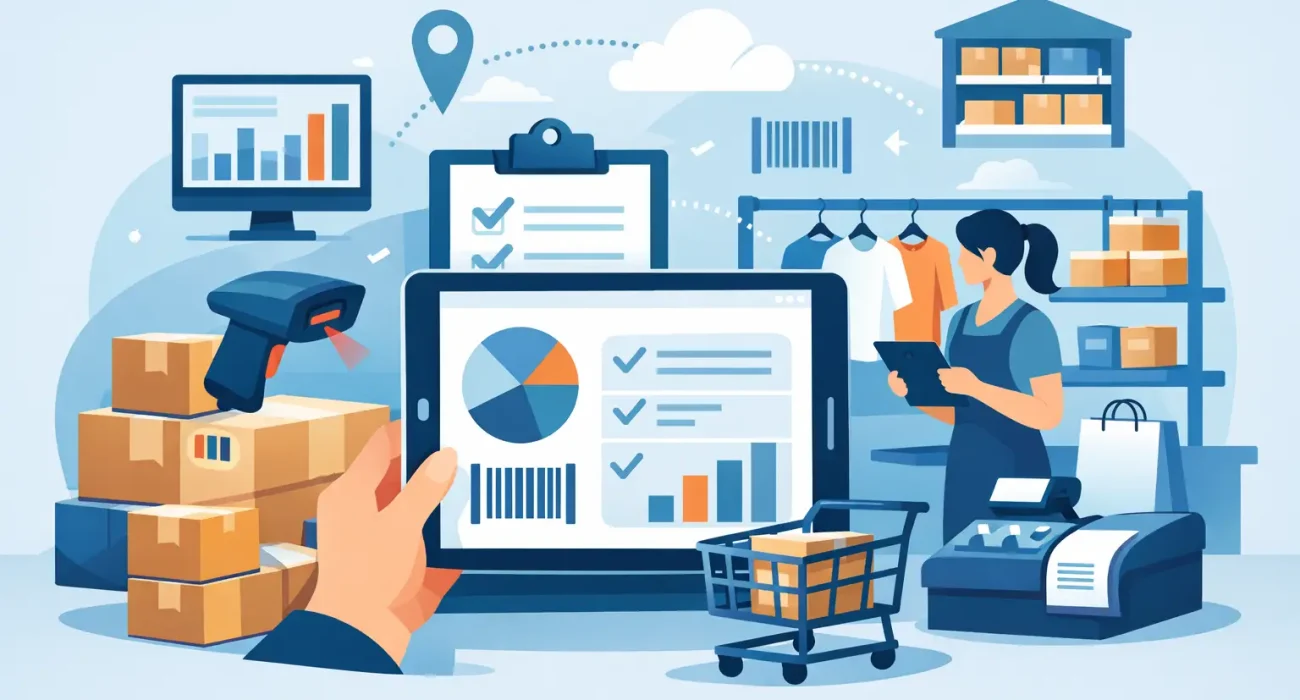
One missing size, three extra cartons in the back room, and a cashier telling a customer, “I think we have it somewhere” – that is how margin slips away in retail. Inventory software for retail shop operations is not just a back-office tool. It directly affects sales, customer trust, purchasing decisions, and how confidently a store can grow.
For many retail businesses, inventory problems start small. A spreadsheet works for a while. Manual counts feel manageable. Then product lines expand, staff changes, returns increase, and stock starts moving across shelves faster than the system can keep up. At that point, store owners are no longer tracking inventory – they are chasing it.
Why inventory software for retail shop operations matters
Retail inventory is tied to cash. If too much capital is sitting in slow-moving stock, cash flow tightens. If popular items run out too early, sales are lost. If counts are inaccurate, purchasing becomes guesswork. Good inventory software gives a store a clearer picture of what is selling, what is stuck, and what needs attention now.
That visibility matters even more in competitive retail environments. Customers expect quick answers, product availability, and smooth checkout. They do not care whether the issue is poor stock tracking, disconnected systems, or delayed reordering. They only see whether the store can deliver.
This is why inventory management should not be treated as a separate technical function. It is part of daily retail performance. Better stock control improves operations, but it also improves customer experience and helps owners make faster business decisions.
What good retail inventory software should actually do
The right system should make routine work easier, not add complexity. At a practical level, inventory software should track stock levels in real time, update counts as sales happen, and support accurate purchasing. If a store uses a POS system, the inventory software should work closely with it so the data reflects actual sales activity instead of delayed manual updates.
It should also help with product variations. For apparel, that means size and color. For electronics, it may mean model and storage capacity. For grocery or specialty retail, it can involve units, batches, or expiry dates. A system that only tracks products at a basic level may look affordable at first, but it often creates more manual work as the business grows.
Reporting is another core requirement. Owners and managers need to know which items are top sellers, which products are not moving, how often stockouts happen, and when reorder points are reached. Without reporting, software becomes a digital stock list rather than a management tool.
User access matters too. A business owner may want full control, while floor staff only need to process sales or receive stock. Clear permissions reduce mistakes and improve accountability.
Signs your current process is already costing you money
Not every store realizes the problem early. Some businesses accept stock discrepancies as normal until the losses become too obvious to ignore. If physical stock counts rarely match system records, that is a warning sign. If employees spend too much time checking shelves and storerooms manually, that is another. If reordering depends on memory or supplier calls rather than actual data, the process is exposed.
Another common issue is overbuying. Many retailers respond to uncertainty by ordering extra stock “just in case.” That can reduce stockouts in the short term, but it often creates dead inventory and ties up working capital. On the other side, under-ordering leads to missed sales and frustrated customers.
When management cannot quickly answer simple questions – How many units do we have? Which branch has stock? What sold fastest last month? – the business is operating with avoidable friction.
Choosing inventory software for retail shop growth
Not every retail business needs the same setup. A single-location gift store has very different requirements from a supermarket, fashion retailer, or hardware shop. That is why choosing inventory software should start with workflow, not features on a sales sheet.
Begin with the way your store actually runs. Consider how many SKUs you manage, whether you sell from one location or several, whether you need barcode support, and how often stock arrives from suppliers. If your business handles promotions, bundles, returns, or transfer between branches, the system should support those functions without workarounds.
It is also worth considering how inventory connects to the rest of the business. In many retail environments, the best results come from software that works alongside POS, purchasing, sales reporting, and sometimes even accounting. A disconnected tool might appear cheaper at the start, but the hidden cost is duplicate entry, inconsistent data, and delayed reporting.
The quality of local support also matters more than many buyers expect. Even strong software can fail to deliver value if implementation is weak or staff are left to figure it out alone. Businesses in Qatar often need practical onboarding, system configuration, and responsive help when operations are under pressure. That is where a technology partner adds more value than a software reseller.
Features that make a real operational difference
Some features sound impressive but have limited day-to-day impact. Others make an immediate difference on the shop floor. Real-time stock updates are one of them. When sales, returns, and receipts update inventory instantly, staff can trust the numbers they see.
Barcode support is another feature with practical value. It speeds up receiving, stock checks, and checkout while reducing manual entry errors. Low-stock alerts also help teams reorder at the right time instead of relying on visual checks or memory.
Multi-branch visibility becomes essential as a retail business expands. Without it, one location may overstock while another runs short. Centralized reporting helps management make decisions across the business rather than store by store.
Audit trails are equally useful. If inventory adjustments happen, the system should show who made the change and when. That level of accountability supports better control, especially in stores with multiple users.
The trade-offs to consider before you buy
There is no single best inventory system for every retailer. A simpler system may be enough for a smaller store with limited product lines and straightforward sales. It is usually easier to train staff on and faster to deploy. The trade-off is that it may not support expansion well.
A more advanced system can give better reporting, automation, and control, but it may require more setup and stronger internal discipline. If product data is entered poorly or processes are inconsistent, even a powerful system will produce weak results.
Cost should be judged carefully. The right question is not only what the software costs per month. It is what poor inventory is already costing the business through stock loss, excess stock, missed sales, and staff time. In many cases, the real expense is not software – it is operating without clear stock control.
Implementation is where many retail systems succeed or fail
Software selection gets attention, but implementation determines whether the system works in practice. Product data needs to be clean. Units, categories, SKUs, and supplier details should be entered consistently. Reorder rules should reflect actual sales patterns. Staff need training that matches their role, not generic instructions.
It also helps to phase the rollout properly. Some retailers try to change everything at once and create confusion. A better approach is often to set up the core inventory structure, connect it with POS, train staff, and then add deeper reporting or multi-location controls as the team becomes comfortable.
Businesses that work with experienced implementation partners usually avoid common delays such as poor product setup, mismatched reporting, or user resistance. For retailers looking for practical deployment and ongoing support, SDQ Tek brings a more business-focused approach than simply supplying software.
Inventory control supports more than operations
Better inventory management strengthens more than internal efficiency. It supports customer service because staff can answer stock questions quickly. It improves planning because buyers can spot trends earlier. It supports marketing because promotions can be built around available stock rather than assumptions.
This connection is often overlooked. A retail business may invest in store presentation, advertising, and customer acquisition, but if stock control is weak, those efforts lose value. Customers may come in ready to buy and leave disappointed because the inventory process is unreliable.
That is why inventory software should be seen as part of business growth, not just administration. It gives owners better control over one of the most expensive and sensitive parts of retail operations.
If your team still spends too much time checking shelves, correcting stock numbers, or guessing what to reorder, the issue is not just inefficiency. It is a signal that your retail operation has outgrown manual control, and the right system can give you room to run the business with more confidence.