

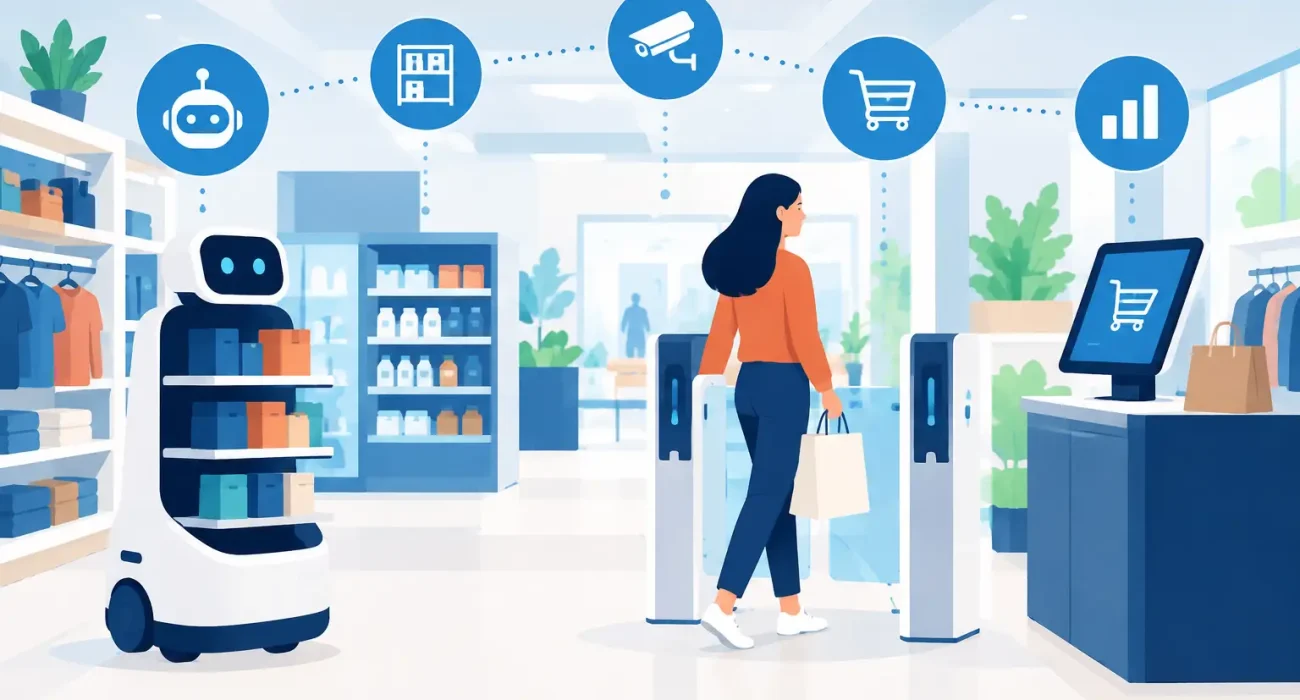
A stock count that takes two days, a checkout line that grows during peak hours, and pricing that changes in one system but not another are not minor operational inconveniences. They affect revenue, labor costs, and customer confidence. Retail automation trends are gaining attention because they address these daily pressures with practical tools that help store teams work with better information and less manual effort.
For retailers, the goal is not to automate every customer interaction or replace experienced staff. The most effective approach is to remove repetitive work, reduce preventable errors, and give employees more time to assist customers, manage products, and make sound business decisions.
Retail Automation Trends That Matter Most
Automation in retail has moved well beyond self-checkout terminals. The strongest trends connect sales, inventory, customer service, and reporting so that a business can act on one reliable version of its data.
Connected POS and inventory management
A modern retail POS system is increasingly the operational center of the store. When every sale updates inventory in real time, managers can see which products are moving, which items are close to running out, and where stock may be sitting too long. This reduces the need for manual stock updates and helps prevent the frustrating experience of selling an item that is no longer available.
The value becomes even clearer for retailers with more than one branch. A connected system can show product availability by location, support stock transfers, and give management a consolidated view of sales without relying on separate spreadsheets from each store. It also creates a stronger foundation for purchasing decisions, promotions, and seasonal planning.
This does not mean every retailer needs a complex enterprise platform. A small specialty store may benefit most from dependable barcode scanning, accurate stock alerts, and clear daily reports. A growing chain may need centralized product management, role-based permissions, and branch-level performance tracking. The right level of automation depends on the size of the operation and the decisions the owner needs to make.
Automated replenishment and smarter purchasing
Manual reordering often relies on memory, visual shelf checks, or last-minute supplier calls. Automated replenishment uses sales history, current inventory, lead times, and reorder thresholds to flag products that need attention. In more advanced setups, the system can create draft purchase orders for manager approval.
This trend is especially useful for businesses with fast-moving items, seasonal demand, or a broad product catalog. Better replenishment helps retailers protect sales while avoiding unnecessary cash being tied up in slow-moving stock. The system still needs human review, particularly when demand changes because of holidays, local events, supplier delays, or a new competitor entering the market.
Automation should support purchasing judgment, not eliminate it. If the data is incomplete or product records are poorly maintained, automated recommendations can repeat the same mistakes faster.
Mobile tools for floor teams
Retail employees no longer need to return to a back-office computer for every stock question or price check. Mobile devices can help staff scan items on the sales floor, look up availability, receive stock, update product details, and assist customers without leaving the conversation.
For a customer, this can mean a quicker answer when a size, color, or model is unavailable. For the store, it means fewer interruptions and more accurate information at the point where decisions are made. Mobile tools are particularly valuable in larger stores, showrooms, and businesses that serve customers across several locations.
The trade-off is device management. Retailers need reliable Wi-Fi, clear user permissions, charging procedures, and staff training. A mobile tool that frequently loses connection or gives employees access to the wrong functions can create more friction than it removes.
Self-service where it improves the experience
Self-service kiosks, QR-enabled product information, digital receipts, and customer-facing payment displays are becoming more common. Used well, they give customers choice and reduce waiting during busy periods. They can also capture useful information, such as frequently asked product questions or common payment preferences.
However, self-service should be introduced where customers genuinely want it. A convenience-focused retailer may see strong value from faster checkout options. A premium boutique may find that customers prefer personal guidance and a more traditional checkout experience. The best model is often assisted self-service: technology handles simple tasks while staff remain available for advice, exceptions, and high-value conversations.
Digital pricing and promotion control
Pricing errors can quickly damage margin and trust. Retailers are adopting tools that make it easier to schedule promotions, apply discounts consistently, and keep product prices aligned across store locations and digital channels. Digital shelf labels are also gaining interest in larger environments where frequent price updates make paper labels costly to maintain.
For many small and mid-sized retailers, the immediate priority is not electronic labels. It is a centralized pricing process. When the POS, inventory records, promotional rules, and online catalog use the same product data, teams spend less time correcting discrepancies and customers receive clearer information.
The Data Behind Better Retail Automation
Automation only performs as well as the data feeding it. Product names, SKUs, barcodes, supplier details, tax settings, prices, and stock quantities must be organized before advanced features can deliver dependable results.
This is why a retail automation project should begin with an operational review, not a software demonstration. Business owners should identify where time is being lost, where errors occur, and which reports are missing. A store that struggles with inaccurate stock counts has a different priority from a retailer that needs faster multi-branch reporting.
Four areas deserve attention before implementation:
- Product and inventory records should be accurate, consistent, and easy to maintain.
- Store processes should be documented, including returns, exchanges, receiving, and approvals.
- Staff roles should be clear so that system permissions match real responsibilities.
- Reporting should focus on decisions, such as reorder needs, margin performance, staff activity, and branch sales.
Clean data is not glamorous, but it determines whether automation becomes a useful management tool or another system employees work around.
How to Introduce Automation Without Disrupting Operations
Large technology changes can create resistance when teams feel that a new system has been imposed on them. A phased rollout is usually safer. Start with the process that creates the clearest measurable benefit, such as checkout accuracy, inventory visibility, or purchase order management. Once staff are comfortable and the data is stable, add the next capability.
Training should be practical and role-specific. Cashiers need confidence with sales, returns, and payment exceptions. Store managers need to understand reports, stock adjustments, and approval workflows. Owners need dashboards that answer commercial questions without forcing them to become system administrators.
It is also wise to define success measures before launch. These may include shorter transaction times, fewer stock discrepancies, reduced time spent on end-of-day reporting, lower out-of-stock rates, or improved inventory turnover. Measurable outcomes keep the project focused on business performance rather than software features.
Responsive support matters as much as the platform itself. When a POS issue occurs during trading hours, retailers need a partner that understands operational urgency and can provide clear guidance. For businesses operating in Qatar, local implementation support can also help align the solution with branch structures, payment practices, tax requirements, and the way local teams actually work. SDQ Tek approaches retail technology as an operational partnership, matching systems and support to the practical needs of each business.
Where Human Service Still Wins
Automation is highly effective at processing transactions, tracking stock, sending alerts, and producing reports. It is less effective at understanding why a loyal customer is dissatisfied, helping someone compare a complex purchase, or noticing a shift in local buying behavior before it appears in the data.
The strongest retail businesses use automation to make staff more available, not less visible. When employees spend less time searching for product information or reconciling spreadsheets, they can focus on the moments customers remember: knowledgeable advice, quick problem-solving, and dependable service.
The next step is not to buy every new retail tool. Choose the process that causes the most operational friction, improve it with the right connected technology, and measure the result. That is how automation becomes a steady source of better service and stronger control.