

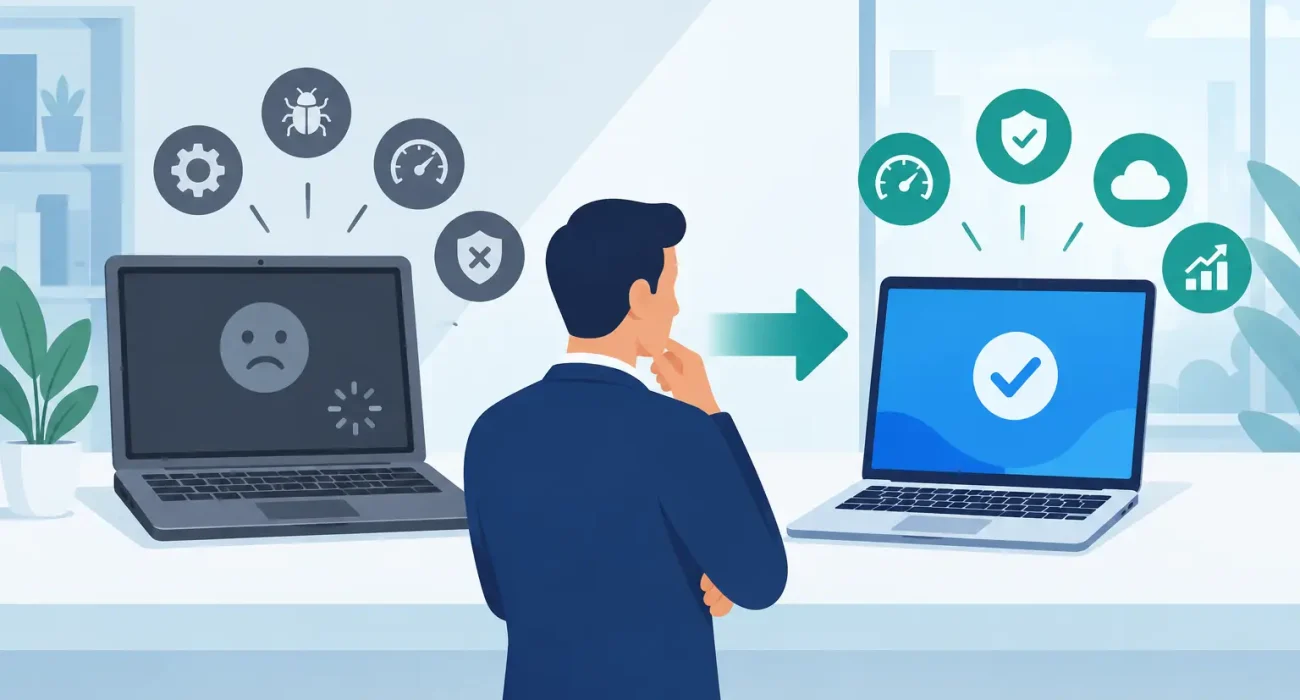
A busy Friday service should test your team’s capacity, not expose the limits of your technology. When orders are delayed because the POS freezes, inventory figures cannot be trusted, or staff are maintaining the same data in three places, the issue is no longer a minor IT inconvenience. The question is when should businesses replace software before those problems begin affecting customers, cash flow, and growth.
Replacing business software is a significant decision. It involves cost, training, data migration, and changes to familiar routines. For that reason, many businesses wait too long. Others replace a system simply because a newer platform looks more modern. The right decision sits between those extremes: replace software when its limitations are creating a measurable business risk or blocking a clear opportunity.
When Should Businesses Replace Software? Start With the Business Impact
Software does not need to be old to be unsuitable. A relatively new system may still be the wrong fit if it was chosen for a smaller operation, a different business model, or a temporary need. Conversely, an older system may remain useful if it is secure, supported, reliable, and aligned with the way your team works.
The key is to look beyond individual complaints. One employee saying a system is slow may point to a training issue. Several employees spending hours each week on workarounds is a process problem with a real cost. If managers cannot get accurate reports without exporting spreadsheets and checking figures manually, decision-making is being held back.
A practical test is to ask three questions. Is the software costing more in wasted time, mistakes, or lost sales than it would cost to improve? Is it preventing the business from delivering the customer experience it wants to provide? And can the vendor reliably support the system as the business grows? If the answer is yes to more than one, it is time to assess replacement seriously.
Signs Your Current System Has Reached Its Limit
Daily work depends on manual workarounds
Workarounds are often the first warning sign. A restaurant team may write orders down when the POS is slow, then enter them later. A retailer may adjust stock manually because sales data does not update inventory. A property business may maintain tenant information in separate files because its management system cannot produce the reports it needs.
These habits can make an outdated system appear workable, but they shift the burden to employees. Manual processes consume time, create inconsistent records, and make it harder to identify who changed what. As transaction volume rises, a small workaround can become a major source of errors.
Reporting is late, incomplete, or unreliable
Business owners need timely answers to practical questions: Which items sell best? Which location is underperforming? Are stock levels accurate? What does occupancy look like next month? If reports arrive days late, require manual cleanup, or produce conflicting numbers, the software is limiting management control.
Good software should give decision-makers relevant information without turning every report into a separate project. That does not mean every business needs a complex enterprise platform. It means the system should provide clear, dependable visibility into the numbers that drive the operation.
The software no longer fits the way you sell or serve customers
Businesses change. A single-location retailer adds online ordering. A restaurant introduces delivery and QR code menus. A startup expands its team, locations, or product range. A property operator takes on more units and needs tighter control over maintenance, payments, and communication.
When the original system cannot support these changes without expensive add-ons or disconnected tools, replacement may be more sensible than continued patching. Disconnected systems commonly create duplicate data entry and a fragmented customer experience. For example, a promotional campaign may bring customers to a website, but if online orders, POS records, and inventory are not aligned, the operational team absorbs the consequences.
Support, security, or compliance creates concern
Unsupported software is a business risk. If the provider has stopped issuing updates, cannot respond quickly when an issue occurs, or lacks a clear path for security improvements, the system deserves immediate review. This is especially important for software that handles payments, customer details, financial records, or operational data.
Security alone does not always require a full replacement. In some cases, an upgrade, better access controls, or a supported version can resolve the issue. But if the system’s architecture is outdated or the vendor is no longer dependable, investing further in it can increase long-term exposure.
Maintenance is becoming more expensive than progress
Licensing fees are only part of software cost. Consider the staff hours spent fixing mistakes, the revenue lost during downtime, the cost of custom fixes, and the time managers spend chasing information. These are often harder to see on a monthly invoice, yet they have a direct effect on profitability.
A replacement should not be justified because it has more features. It should be justified because it reduces cost, protects revenue, improves control, or enables growth. A system with fewer features but better support and a stronger fit for your daily operation can be the better choice.
Build the Case Before Choosing a Replacement
Do not start by comparing software demonstrations. Start by documenting the operational problems you need to solve. Speak with the people who use the system every day, including cashiers, supervisors, accountants, operations staff, and managers. They will identify pain points that may not appear in a leadership report.
Then separate essential requirements from desirable features. For a restaurant, essential needs may include fast order handling, kitchen coordination, table management, payment processing, and sales reporting. For a retailer, inventory accuracy, barcode support, returns, customer records, and multi-location visibility may be more important. A property-related business may prioritize unit management, payment tracking, maintenance workflows, and owner or tenant reporting.
This distinction prevents an expensive mistake: buying a feature-heavy platform that complicates work without solving the core problem. The right solution should match the business process, not force the business to adopt unnecessary complexity.
Calculate the cost of staying where you are
A replacement project has an upfront cost, but staying with the current system has a cost too. Estimate the time employees spend on manual re-entry, correcting errors, preparing reports, and resolving avoidable customer issues. Add the financial impact of downtime, missed sales, inaccurate inventory, or delayed collections where relevant.
You do not need perfect numbers to make a sound decision. Reasonable estimates can show whether the current system is simply inconvenient or actively restricting performance. They also help you set priorities for the new software and measure whether the investment delivers results after implementation.
Assess integration and support early
Most businesses do not operate with one system alone. Your software may need to work with payment terminals, accounting platforms, e-commerce tools, websites, marketing channels, printers, kitchen displays, or employee devices. Ask how data moves between these tools and where duplicate entry still exists.
Support deserves equal attention. A low monthly subscription is not a good value if staff are left waiting for help during a busy trading period. Businesses in Qatar often benefit from a partner that understands local operations, can provide responsive assistance, and can tailor implementation to the realities of the business rather than offering generic remote setup.
Plan the Change Without Disrupting the Business
The best software can still fail if implementation is rushed. Data migration, configuration, staff training, testing, and go-live support all need ownership and a realistic timeline. A phased approach is often safer than changing every process at once, particularly for multi-location businesses or operations with high daily transaction volumes.
Before launch, confirm what historical data must move to the new system. Not every old record needs to be migrated, but customer balances, current inventory, open orders, financial records, and other active information must be accurate. Clean up duplicates and outdated records before migration rather than carrying old problems into the new platform.
Training should focus on real tasks, not only product features. Employees need to know how to process a sale, correct an order, handle a return, check stock, run an end-of-day report, or escalate an issue. Managers need clear visibility into the reports and controls they will use. Schedule extra support around the first days of operation, when questions are most likely to arise.
For businesses that need both operational systems and a stronger digital presence, the implementation should also consider the customer journey. A new POS, website, online ordering process, or QR menu should work together in a way that makes buying easier and gives the business cleaner information to act on. SDQ Tek approaches this as a business improvement project, not simply a software installation.
Replacement Is Not Always the Right Answer
Sometimes the right move is to optimize what you already have. If the system meets current needs but users lack training, targeted training may produce a faster return than a replacement. If reporting is weak because data is entered inconsistently, clearer processes and permissions may solve the issue. If a supported upgrade offers the required capabilities, it may be less disruptive than a complete change.
However, optimization has limits. Repeated fixes, custom patches, and separate spreadsheets can become a sign that the business is defending an old investment rather than supporting future growth. Good technology should reduce friction for your team and customers, not require constant effort to keep it usable.
The best time to act is before a system failure, expansion deadline, or customer complaint forces the decision. Review your software as part of regular business planning, tie the decision to measurable operational goals, and choose a partner that will remain available after the system goes live. That gives your team room to change with confidence instead of reacting under pressure.