

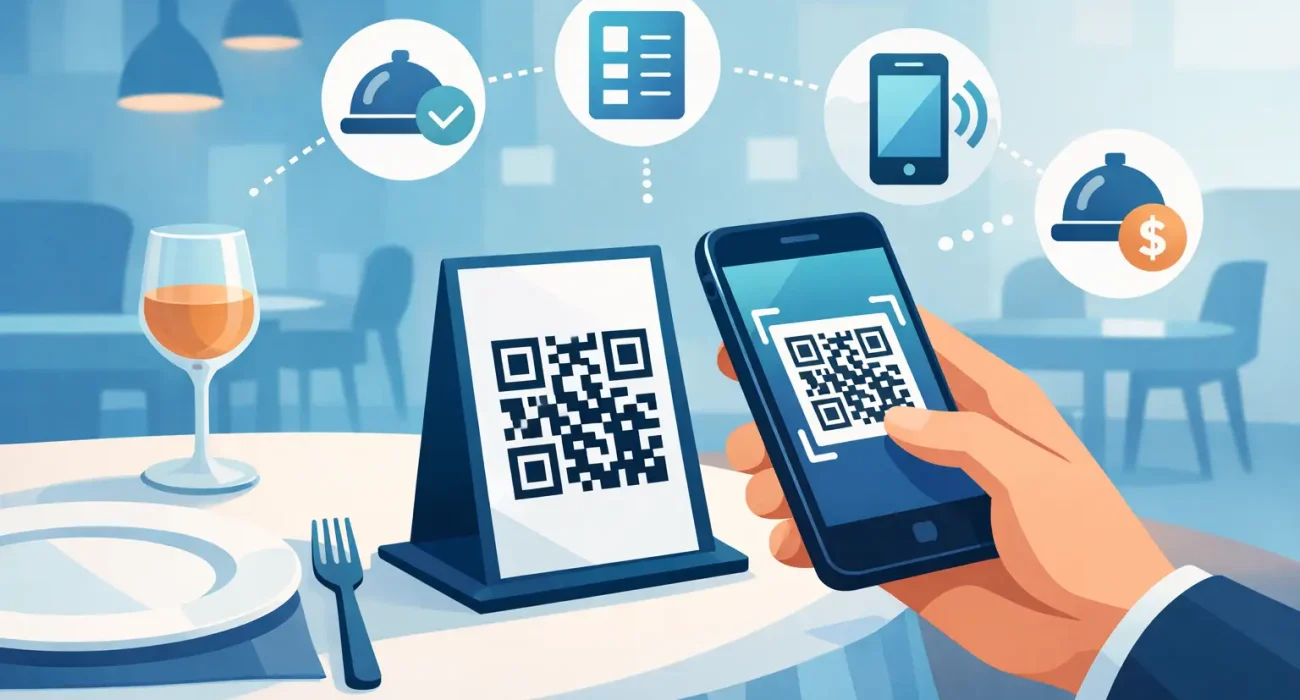
A guest sits down, scans a code, and sees the current menu in seconds. No waiting for a printed card, no crossed-out price, and no confusion when an item has sold out. That simple moment explains much of why do restaurants use QR menus: they give operators more control over menu information while making it easier for guests to access it.
For restaurant owners, a QR menu is not just a digital version of a paper menu. When it is set up properly, it becomes a practical operating tool. It can reduce printing costs, speed up menu changes, promote high-margin items, and support a more consistent guest experience across the dining room, takeaway counter, and online channels.
Why Do Restaurants Use QR Menus for Daily Operations?
Menus change more often than many customers realize. Ingredient costs move, suppliers run out of products, seasonal specials come and go, and kitchen capacity changes during busy shifts. Printed menus make every update slow and expensive. Even a small correction can mean reprinting dozens or hundreds of copies.
A QR menu allows staff or managers to update descriptions, prices, availability, and photos from one central place. If a seafood dish is unavailable at lunch, it can be removed or marked unavailable immediately. If the kitchen wants to feature a new dessert, it can be added without waiting for the next print run.
This flexibility is particularly valuable for restaurants with large menus, rotating specials, multiple branches, or delivery-focused operations. It helps ensure that guests see the same accurate information wherever they interact with the business.
Faster updates protect the guest experience
Nothing frustrates a customer more than choosing a dish, placing an order, and then hearing it is unavailable. Stock shortages will still happen, but QR menus help restaurants communicate them before the order reaches the table.
Clear updates also help front-of-house teams. Instead of memorizing several changes at the start of every shift, servers can focus on recommendations, service, and resolving guest requests. The menu becomes a dependable source of information rather than another point of confusion.
Lower Printing Costs and Less Waste
The financial benefit is straightforward. Traditional menus need reprinting when prices, items, branding, or seasonal offers change. Premium menu covers, inserts, laminated pages, and design updates can add up over a year, especially for businesses that need menus in multiple languages.
QR menus reduce that recurring expense. A restaurant may still choose to keep a limited number of printed menus for accessibility and guest preference, but it no longer has to treat every update as a printing project.
There is also less physical waste. Restaurants that frequently replace paper inserts or disposable menus can cut the amount of material they throw away. For operators looking to manage costs without compromising presentation, that is a meaningful advantage.
Better Menu Presentation Can Increase Sales
A paper menu has limited space. A digital menu gives restaurants more room to present dishes properly without making the layout crowded. Operators can include clear images, ingredient details, allergen information, spice levels, pairing suggestions, and portion descriptions.
That added context helps guests order with more confidence. A customer unfamiliar with a dish may be more likely to try it when they can see a photo and a short, useful description. Upsell opportunities can also be presented naturally, such as recommended sides, beverage pairings, or add-ons for a signature meal.
The goal is not to overload customers with sales messages. A strong QR menu remains easy to browse. It highlights what the restaurant does best and makes the next decision simple.
Data helps restaurants make smarter choices
Some QR menu platforms provide useful data on what guests view, what they order, and which items receive the most attention. This can help managers identify popular dishes, underperforming categories, and opportunities to improve menu placement.
For example, if a high-margin appetizer receives plenty of menu views but few orders, the issue may be the price, description, photo, or position on the menu. If guests consistently open a category but leave without selecting an item, the restaurant may need to review its offering.
Data should support business judgment, not replace it. Kitchen feedback, customer comments, food cost, and local demand still matter. But better visibility gives owners a stronger basis for decisions than assumptions alone.
QR Menus Can Support Faster Service
In busy restaurants, small delays quickly affect table turnover and customer satisfaction. QR menus can shorten the time between seating and menu access because guests do not need to wait for a server to deliver a physical menu.
When the QR menu is connected to an ordering system, guests may also be able to submit orders directly from their phones. This can work well for quick-service restaurants, cafes, food courts, casual dining venues, and high-volume locations where customers value speed.
However, digital ordering is not right for every concept. Fine dining restaurants, chef-led experiences, and venues built around personal table service may prefer QR menus for viewing only. In those settings, staff recommendations and hospitality remain part of the product. The technology should support the experience, not make it feel impersonal.
Accessibility and Guest Choice Matter
A QR menu depends on a guest having a smartphone, a working camera, and enough battery or connectivity to use it. Not every customer will want to scan a code, and some guests may have visual, language, or accessibility needs that require another option.
That is why the best approach is usually choice. Keep a small number of clean, easy-to-read printed menus available. Train staff to offer help without making guests feel uncomfortable. Make sure the digital menu uses readable text, logical categories, clear contrast, and straightforward navigation.
Restaurants should also avoid forcing customers to download an app or create an account simply to view the menu. A scan should lead directly to the menu page. Every extra step increases the chance that a guest gives up or asks staff for assistance.
What Makes a Restaurant QR Menu Effective?
A QR code alone does not improve operations. The menu behind it must be accurate, fast, and designed for a phone screen. If it loads slowly, uses tiny text, or sends customers to an outdated PDF, it creates a poor impression.
An effective QR menu should have a clear layout, current pricing, item availability controls, quality food images where they add value, and important dietary details. It should also match the restaurant’s branding so the experience feels intentional rather than temporary.
Placement matters as well. Codes should be visible on tables, counters, receipts, and takeaway packaging where appropriate. They need a simple instruction, such as Scan to view the menu. Staff should know how the system works so they can assist guests quickly and report any issue.
For restaurants using a POS system, integration can make the process more efficient. Menu updates, item availability, and pricing are easier to manage when systems are connected rather than handled separately. This reduces duplicate work and lowers the risk of mismatched information between the menu and the checkout process.
The Right QR Menu Depends on the Restaurant
A small coffee shop may only need a clean digital menu with daily availability and a link for ordering. A multi-location restaurant may need centralized menu management, multilingual content, branch-specific pricing, and POS integration. A hotel restaurant may need menus that support room service, dining, and event functions.
The key question is not whether QR menus are modern. It is whether the setup solves a real operational problem for the business. Restaurants should choose a solution based on their service model, menu complexity, staff workflow, and customer expectations.
For operators in Qatar, local support also makes a difference. A technology partner that understands restaurant workflows can help configure the menu, connect it with the right business systems, train staff, and provide responsive assistance after launch. SDQ Tek approaches QR menu solutions as part of a wider restaurant technology setup, not as a standalone code on a table.
A good QR menu should make the restaurant easier to run and easier to enjoy. Start with accurate information, preserve the level of service your guests expect, and build from there.