

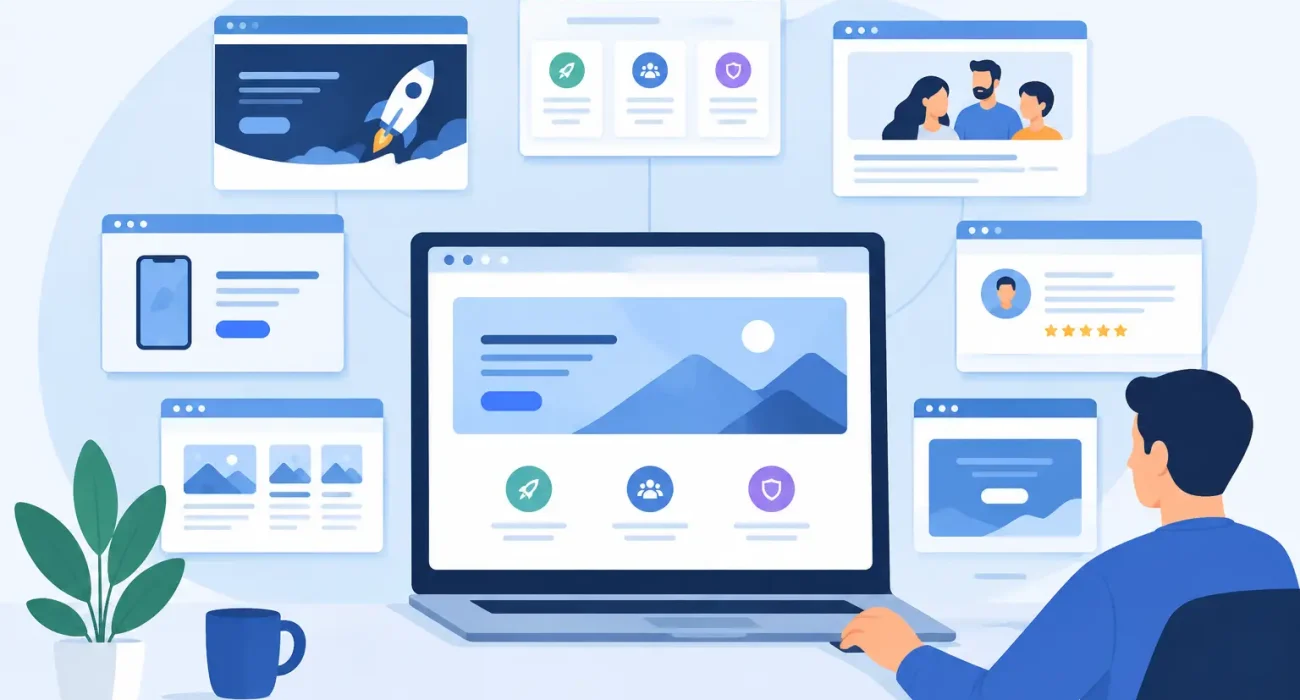
A startup website is often asked to do too much with too little information. It must explain a new offer, establish credibility, answer practical questions, and generate inquiries before the business has a long track record. The best startup website pages do not try to impress every visitor with volume. They give the right visitor a clear reason to take the next step.
For founders and operators, the goal is not to launch a large website. It is to build a focused sales and trust-building tool that supports how the business actually works. A restaurant launching online ordering, a retail business introducing a new concept, or a software startup selling to local companies will need different details, but the fundamentals remain consistent.
1. Homepage: Make the Business Easy to Understand
Your homepage should answer three questions within seconds: What do you offer, who is it for, and what should the visitor do next? A headline that sounds polished but says little creates friction. Clear language performs better than clever language when a potential customer is trying to decide whether you can solve a real problem.
For example, a property technology company could state that it provides property management software for landlords and building operators. A restaurant supplier could state that it helps food businesses manage orders, payments, and customer service. Follow that statement with one primary action, such as requesting a quote, booking a consultation, or calling your team.
The homepage should also introduce a few reasons to choose your business, such as faster implementation, industry experience, responsive support, or a tailored solution. Keep the focus on customer outcomes rather than internal company descriptions.
2. Service or Product Pages: Explain What You Deliver
A visitor who understands your overall business will want specifics. Each core service or product should have its own page when it serves a distinct customer need. This is especially useful for startups offering several related solutions, such as website development, POS systems, digital marketing, or business software.
A strong page explains the business problem, the solution, and the practical result. Rather than simply saying that a system has advanced features, explain what those features help the customer do: reduce manual work, track sales accurately, manage bookings, improve staff coordination, or generate more leads.
Avoid combining unrelated services on one crowded page. A retailer looking for POS software has different questions from a business owner seeking SEO support. Separate pages make the decision process clearer and give your website a stronger foundation for relevant search visibility.
3. Industry Pages: Show You Understand the Customer’s Operation
Startups often use broad messaging because they do not want to exclude potential customers. That can be a mistake. Industry pages help you show that you understand the daily realities of a specific operation.
A restaurant page can address table service, kitchen coordination, inventory, QR menus, and payment speed. A retail page can focus on product management, stock control, barcode scanning, and sales reporting. A property-focused page can speak to tenant records, maintenance workflows, and payment tracking.
These pages are valuable when your offer can be adapted by industry. They should not be copied versions of the same text with a different sector name. Each one should reflect the workflows, concerns, and results that matter to that audience.
4. Pricing or Quote Request Page: Reduce Buying Uncertainty
Pricing is a sensitive decision for startups. Publishing fixed prices can help when the offer is standardized, such as a simple subscription, defined package, or fixed website plan. It can also create confusion when implementation depends on locations, users, integrations, hardware, or custom requirements.
If you cannot publish exact prices, do not hide behind vague wording. Explain what affects the cost and what a customer receives during the consultation. A useful quote request page can ask for the business type, number of locations, current systems, and primary requirement. This gives your team better context and helps the prospect feel that the next conversation will be productive.
The objective is not to force a purchase online. It is to make the route to a reliable estimate clear and low-friction.
5. About Page: Give the Business a Credible Face
Early-stage companies need an About page because customers are evaluating more than the offer. They are evaluating whether the people behind it will be dependable after the sale.
This page should state why the company exists, what experience informs its work, and how it approaches customer support. Keep it grounded. Broad claims such as “the best” or “innovative solutions” are less persuasive than a clear commitment to practical implementation, accountable communication, and ongoing assistance.
For a technology business, this is also the right place to explain how you work. Do you assess current operations before recommending a system? Do you provide training? Can clients get responsive support after launch? Those details build confidence, particularly for businesses replacing outdated processes or investing in software for the first time.
6. Proof Page: Turn Claims Into Evidence
A startup may not yet have dozens of case studies, but it still needs evidence. A proof page can include client testimonials, project examples, measurable outcomes, implementation snapshots, certifications, partner credentials, or screenshots of completed work where appropriate.
Even a small number of specific testimonials is more useful than anonymous praise. The best feedback identifies the initial problem, the quality of support, and the result. For example, a client might describe how a new POS setup reduced checkout delays or how a redesigned website increased qualified inquiries.
If confidentiality limits what you can share, use anonymized examples carefully and be transparent about the business type or project scope. Never invent results to make a young company appear more established. Credibility lost online is difficult to recover in a sales conversation.
7. Contact or Demo Page: Make the Next Step Obvious
A contact page should do more than display an email address. It should tell prospects what happens after they reach out. Will someone call them back? Will they receive a needs assessment? Can they schedule an on-site discussion or virtual demonstration?
Keep the form short enough that it feels reasonable to complete. Name, company, phone number, email, and a brief description of the requirement are usually sufficient at first contact. If a phone number is important for fast response, say why.
Include the channels your customers genuinely use, whether that is phone, email, messaging, or an appointment form. For businesses with a local service model, clear service hours and location information can also reduce hesitation.
8. FAQ Page: Handle Questions Before They Slow the Sale
An FAQ page is worthwhile when prospects repeatedly ask the same questions. It can address implementation timelines, training, support availability, payment options, integrations, data migration, or whether a solution works for multiple locations.
The key is to answer real questions with direct language. A vague FAQ adds little value. If the answer depends on the client’s operation, explain the factors involved and invite the visitor to discuss their requirements.
This page can also support your sales team by setting reasonable expectations before the first meeting. It should complement a conversation, not replace one.
9. Privacy and Terms Pages: Show Operational Maturity
Legal pages may not be exciting, but they matter when you collect form submissions, customer data, payment details, or account information. A privacy policy should clearly explain what information is collected, why it is used, and how visitors can contact your business about it.
Terms of service, refund policies, and relevant service conditions should be added when they apply to your model. These pages demonstrate that the business takes customer information and commercial commitments seriously.
How to Prioritize the Best Startup Website Pages
Not every startup needs all nine pages on day one. If time and budget are limited, begin with a homepage, the most important service or product page, an About page, a contact page, and privacy information. Add industry pages, proof, pricing guidance, and FAQs as your sales conversations reveal what customers need to know.
The priority should follow the buyer journey. If prospects do not understand the offer, improve the homepage and service pages first. If they understand the offer but hesitate, add proof and clearer pricing context. If your team spends too much time answering basic questions, build an FAQ page.
SDQ Tek approaches startup websites as part of a wider business system, not as a digital brochure. The most effective site is one that reflects your real services, supports your sales process, and gives customers confidence that the business behind the screen is ready to deliver.
Start with the pages that remove the biggest doubts your customers have today. A focused website that earns a conversation is more valuable than a larger one that leaves visitors guessing.